Falcon Service Manual
___________________________________
29
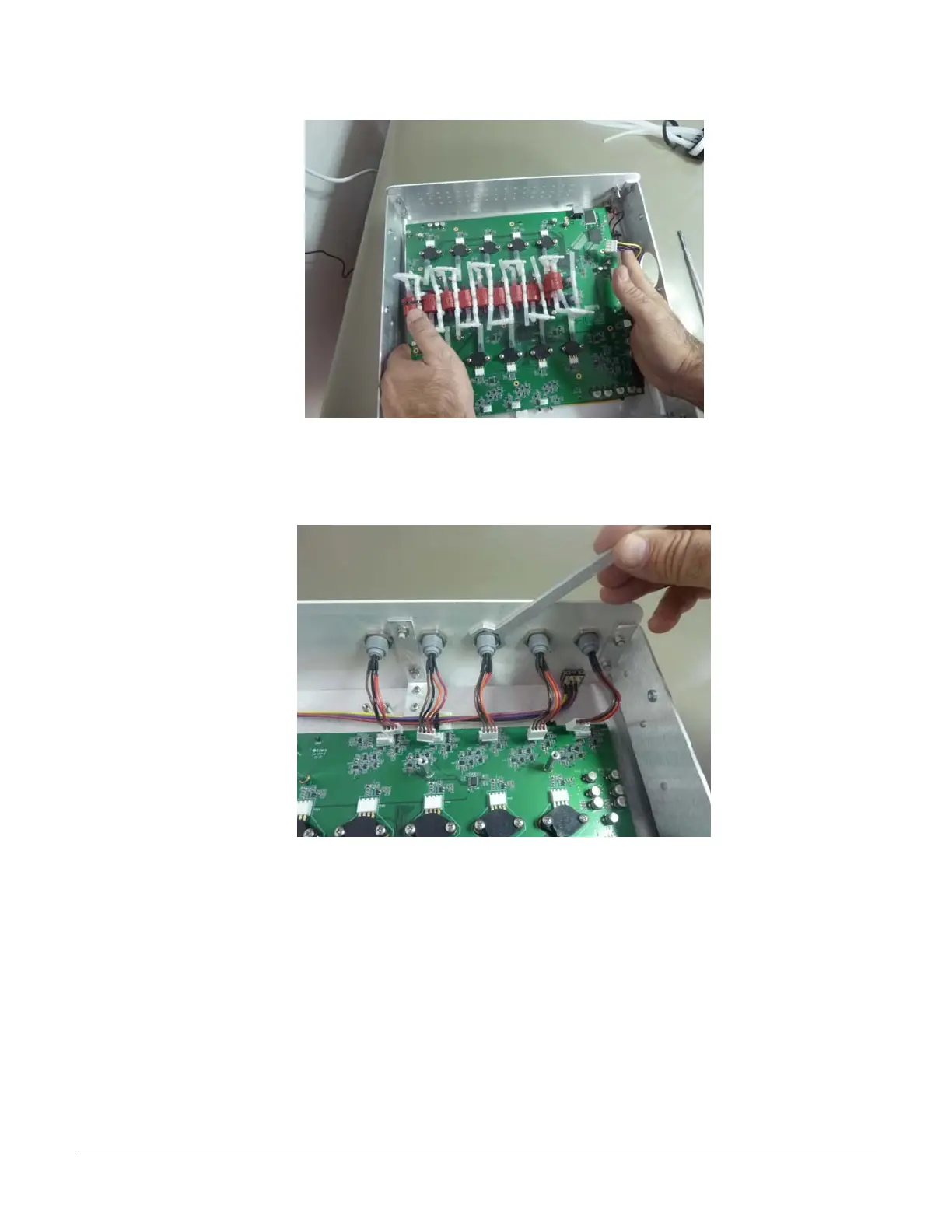
5.9 Release the Internal Cables
a) Release with the special tool PVC0105 the internal nut holding the PPG cables.
b) Unscrew the external colored PPG nut, and remove it. Note that the “joint” on both the
connector and the ring are pointing upward. Remove the internal PPG cable.
VS0152, rev 1.3 Page


 To Next Page