Falcon Service Manual
___________________________________
23
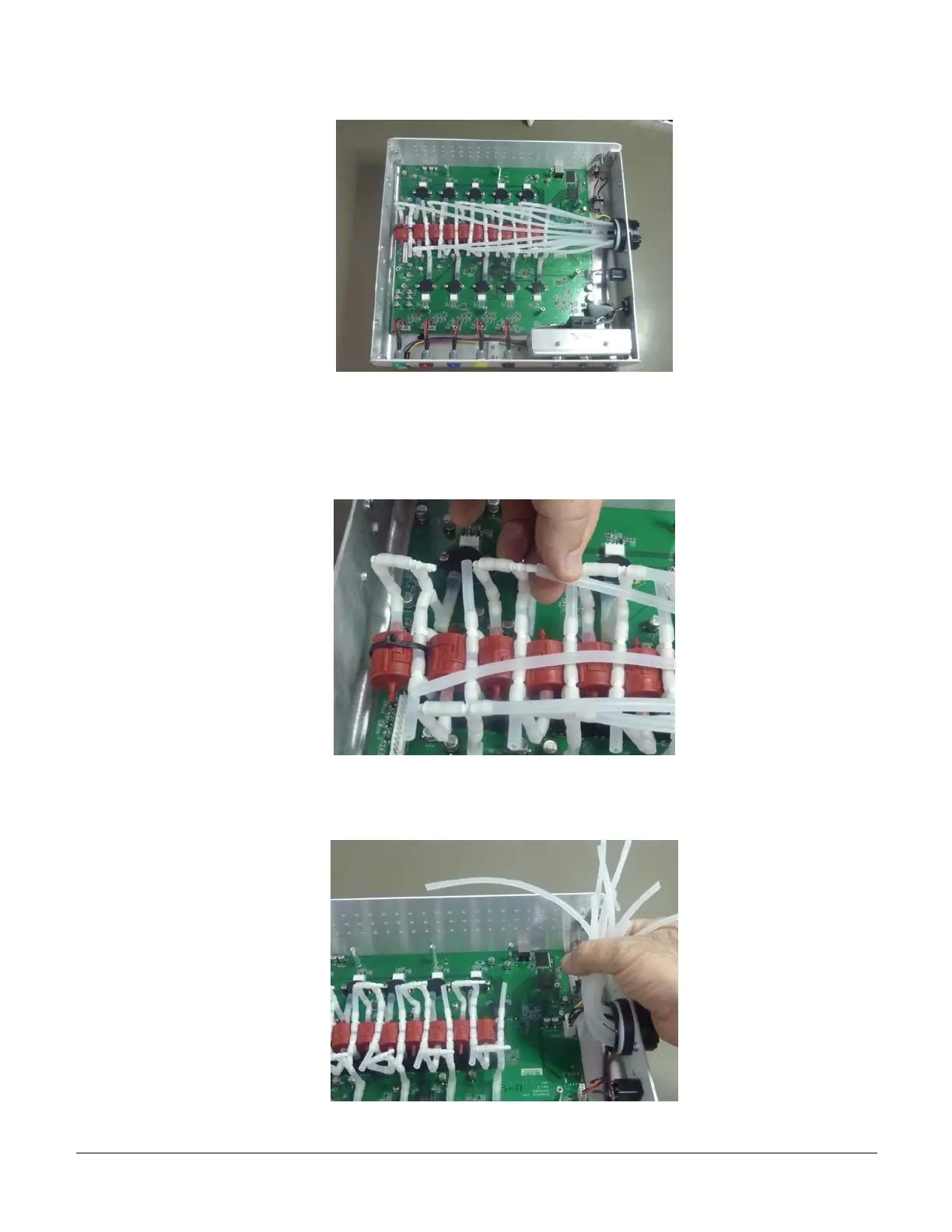
a) There are silicon tubes of variable lengths leading from the 10-tube connector on the right side
of the Falcon to a T connector in front of each pump. Disconnect these long tubes as shown below
at the tube module side (the first T connector). You can hold the T connector with 2 fingers and
pull the tube carefully to release it.
b) Hold together all of the silicon tobes on the 10-tube connector side as shown below, and move
aside when continuing with the dissassembly process.
5.6 Disconnect Internal Cable connectors
VS0152, rev 1.3 Page


 To Next Page