OneExpert DSL User's Guide
22052280, Rev. 016May 2020
Chapter 3 Utilities
65
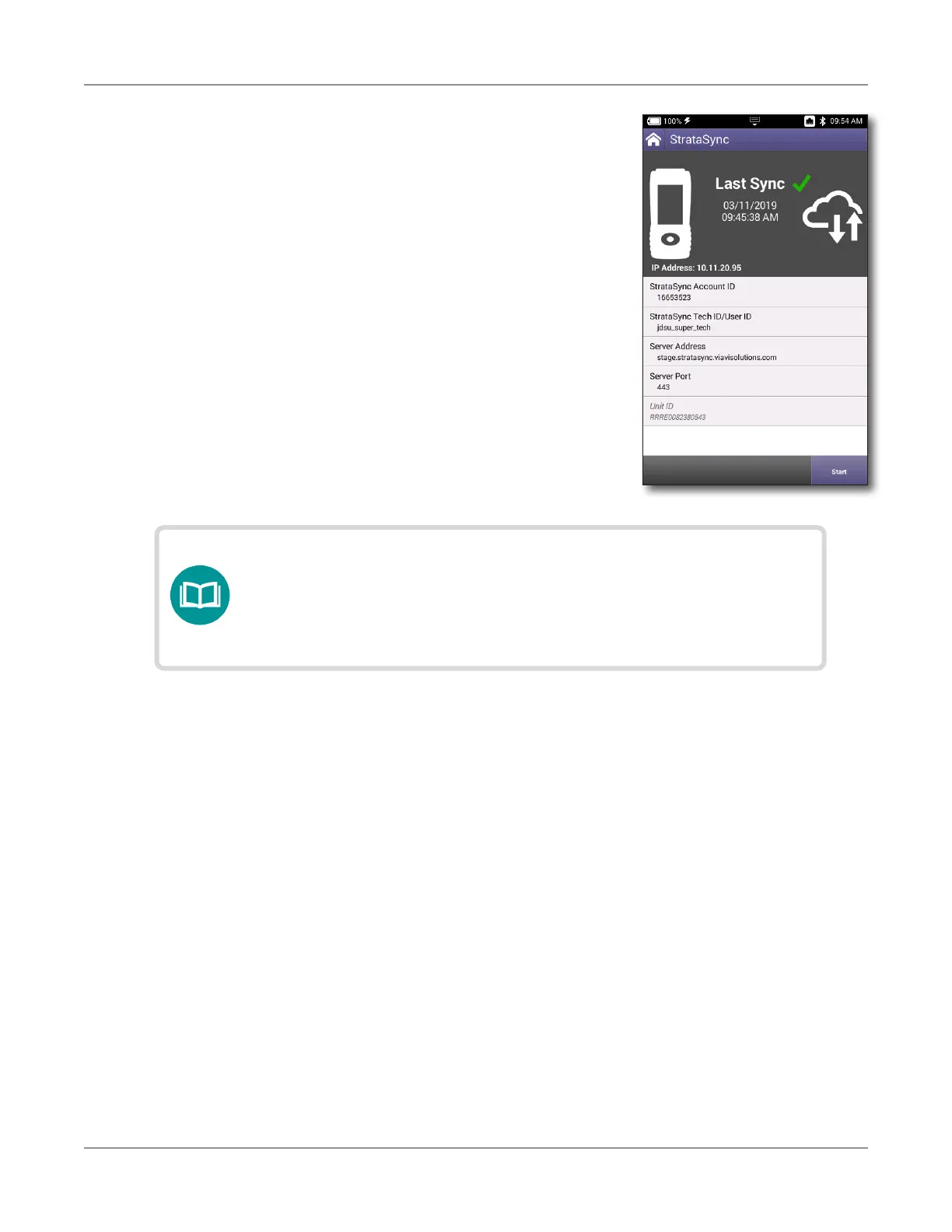
y Lastly, if any upgrades are available, the user
will be informed of their availability and asked
to verify their desire to receive the upgrade.
When synchronization is complete, the Status will indicate
“Sync Complete”. The unit may be disconnected from the
server.
Creating custom OneCheck icons
1. Create an image and place it in the root directory of a USB drive. The image must be in
the .PNG format and have no spaces in the name.
2. Load up a OneCheck profile by selecting an icon under OneCheck Copper, DSL, Fiber, or
Ethernet.
3. Insert the USB drive.
4. Press Icon to see the available icons.
5. Select an icon, press Back, and press Save to save your changes and exit.
NOTE:
If StrataSync determines your ONX needs a rmware
update, it updates the ONX, then reboots, and autosyncs to
StrataSync again to ensure your unit has the latest version.





 To Next Page