EasyManua.ls Logo

Victor ULTRA-CUT 100 - User Manual

Victor ULTRA-CUT 100
202 pages
Print Icon
To Next Page IconTo Next Page
Loading...
VictorThermalDynamics.com
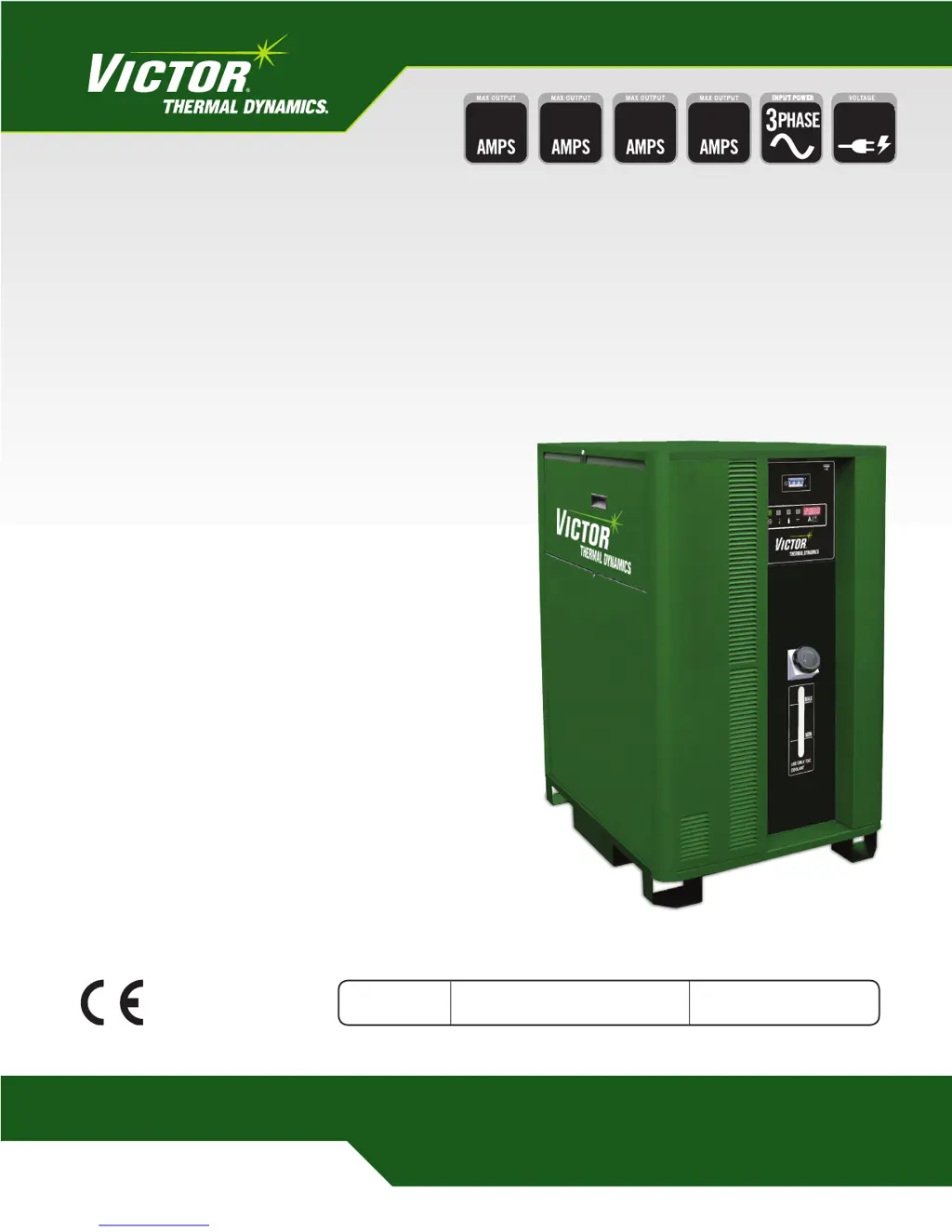
100 200 400300
400V
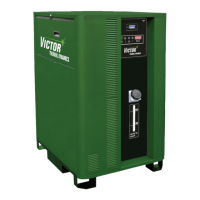
ULTRA-CUT 100,
200, 300, 400 XT
PLASMA CUTTING SYSTEM
Operating
Manual
Revision: AF Issue Date: October 2, 2014 Manual No.: 0-5264

Table of Contents

Questions and Answers

  • Y
    yhendersonAug 1, 2025
    How to troubleshoot no pilot ignition on Victor ULTRA-CUT 100 when the neon indicator is lit?
    • J
      Jennifer BeanAug 1, 2025
      If the neon indicator on the cap board lights up but there's no ignition in your Victor Welding System, several factors could be at play. Start by checking the pilot return wire at the torch head; ensure it's connected and not broken within the torch lead, and connect the wire or replace the leads if necessary. Ensure that the negative supply cable is correctly connected. Also, the coolant may have become conductive, so flush the system and replace the coolant. The high-frequency cap (C4 on the Cap PCB) might have open wires or be disconnected; reconnect or replace it. Lastly, check that the pilot return wire is securely connected in the arc starter, and connect the wire if it is loose.
  • E
    eric11Aug 7, 2025
    What to do if the neon indicator is not illuminated on my Victor Welding System?
    • M
      michael34Aug 7, 2025
      If the neon indicator on the cap board is not illuminated, it could be due to several reasons. First, check if there is a 120V supply and that the CB4 on the plasma rear panel hasn't tripped. Look for a shorted cable, a defective circuit breaker, or a shorted ignition module input. If the CB4 hasn't tripped, check if 120V is present. If it is, there might be an open control cable; if not, there's a fault in the plasma power supply. Another cause could be a shorted electronic ignition module, so replace the module. Also, ensure all fittings are tightened.
  • S
    Sarah NunezAug 12, 2025
    Why is my Victor ULTRA-CUT 100 Welding System behaving erratically (EMI Interference)?
    • D
      Danielle SuttonAug 12, 2025
      Erratic system behavior (EMI interference) in your Victor Welding System can stem from a few key issues. Start by checking the torch lead shield and the F1 ground cable to ensure they are securely connected and tight. Also, verify that the cap board ground screw is tight and not missing. If those components are properly connected, the issue may be internal. In this case, it's best to replace the PCB.
  • L
    lewismichaelAug 18, 2025
    Why is my Victor ULTRA-CUT 100 leaking coolant?
    • W
      Wanda HendersonAug 19, 2025
      If you're experiencing coolant leaks in your Victor Welding System, the issue might be damaged or punctured coolant lines, so replace them. Another potential cause is reversed supply and return hoses; ensure you match the coolant connection colors to the arc starter fitting colors.
  • M
    Melissa ChanAug 26, 2025
    What to do if there is no coolant flow in my Victor Welding System?
    • E
      Emily GibsonAug 26, 2025
      If your Victor Welding System has no or insufficient coolant flow, it could be due to a blockage in the supply or return hoses; flush the system or replace the blocked hose. Another possible cause is a missing or loose ground connection; make or tighten connections to a good ground.

Summary

General Information

Notes, Cautions, and Warnings

Explains the usage of notes, cautions, and warnings to highlight important information within the manual.

Important Safety Precautions

Details critical safety measures for operating plasma arc equipment, including hazards and protective actions.

Specifications

Specifications & Electrical Requirements

Details electrical requirements, duty cycle, operating range, and cooling specifications for each model.

Installation

Installation Requirements

Outlines necessary requirements for electrical supply, gas, and water systems during installation.

Ground Connections

Details procedures for establishing proper star ground connections for EMI reduction.

Set Switches on the Command - Control Module

Explains how to set the switches on the Command-Control Module for system configuration.

Operation

System Operation

Details the step-by-step procedure for starting and operating the plasma cutting system.

Power Supply Status Codes

Lists and explains the meaning of various status codes displayed by the power supply.

Maintenance

Replacement Assemblies & Parts

Torch Maintenance

Coolant Leak Trouble-Shooting

A flowchart to diagnose and resolve coolant leaks from the torch head.

Advanced Troubleshooting

Status codes

Explanation of status codes related to plasma process, power supply, and cooling systems.

Troubleshooting Pilot Board problems

Guidance for diagnosing issues related to the Pilot board and its associated LEDs.

Pilot Ignition Failure

Troubleshooting steps for code 102: Pilot Ignition Failure.

Transfer Lost

Troubleshooting steps for code 104: Arc transferred to metal then went out.

Tip to Electrode Voltage Fault

Troubleshooting steps for code 108: Tip to Electrode Voltage Fault.

Missing AC Phase

Troubleshooting steps for code 201: Missing AC Phase.

DC Output Low

Troubleshooting steps for code 205: DC Output Low.

Unexpected Current in the Work Lead

Troubleshooting steps for code 207: Unexpected current in the work lead.

Unexpected current in Pilot Circuit

Troubleshooting steps for code 208: Unexpected current in pilot circuit.

Inverter Fault

Troubleshooting for codes 247-252: Inverter Fault.

Gas Controls Status and Communication Protocol

Gas Control Communication Fault

Troubleshooting for code 301: Gas Control Communication Fault.

Gas Pressure fault

Troubleshooting for code 303: Gas Pressure fault.

Liquid Cooling System Codes

Coolant Level Low

Troubleshooting for code 401: Coolant Level Low.

Low coolant Flow

Troubleshooting for code 402: Low coolant Flow.

Coolant overheated

Troubleshooting for code 403: Coolant overheated.

Coolant System Not Ready

Troubleshooting for code 404: Coolant System Not Ready.

CANBUS Failure to Acknowledge fault

Troubleshooting for code 501: CANBUS Failure to Acknowledge fault.

CCM and Program Updates

Victor ULTRA-CUT 100 Specifications

General IconGeneral
Efficiency85%
Insulation ClassH
Output Current Range20 - 100 A
Duty Cycle60% @ 100 A
Gas TypeAir or Nitrogen
Gas Flow Rate190 lpm
Protection ClassIP23
No Load Voltage300V

Related product manuals