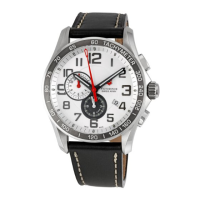
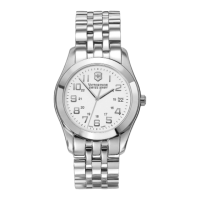
The crown has 3 positions:
1. Normal position: recessed
2. Extended position: to set the date
3. Fully extended position: to set the time
SETTING THE DATE & TIME
CHRONO TYPE III & IV
Setting the Date (Quick Mode)
A. Pull out the crown to position 2 (the watch continues
to run).
B. Turn the crown until the correct date appears.
C. Push the crown back into position 1.
NOTE: The date can be changed during the date changing between
9:00 PM and 12:00 PM; please note that the date must be set to the
date of the following day as in this case the automatic date chang-
ing does not occur at midnight.
ANALOG CHRONOGRAPHS
CHRONO TYPE III & IV
NOTE: Your watch will have either a “pull-out“ or “screw-down“
crown. To determine this, gently try to pull out the crown to position 2.
If it does so, your watch has a pull-out crown. If not, use the thumb
and forefinger to apply mild pressure on the crown while rotating
toward you to release it. If it does so, your watch has a screw-down
crown.
CHRONOGRAPH OPERATING PROCEDURE
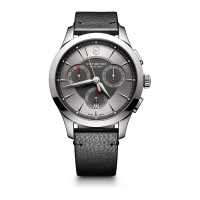
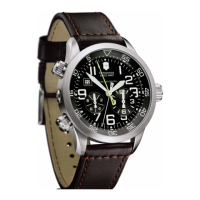
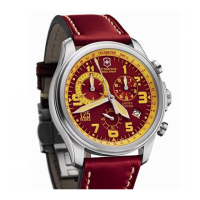
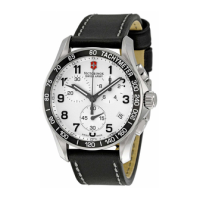
Chrono types III & IV feature a 12-hour counter, a 30-minute counter,
sweep second hand counter and date calendar. They enable time to
be measured to an accuracy of one second in a 12-hour period.
16


 To Next Page
 Loading...