11
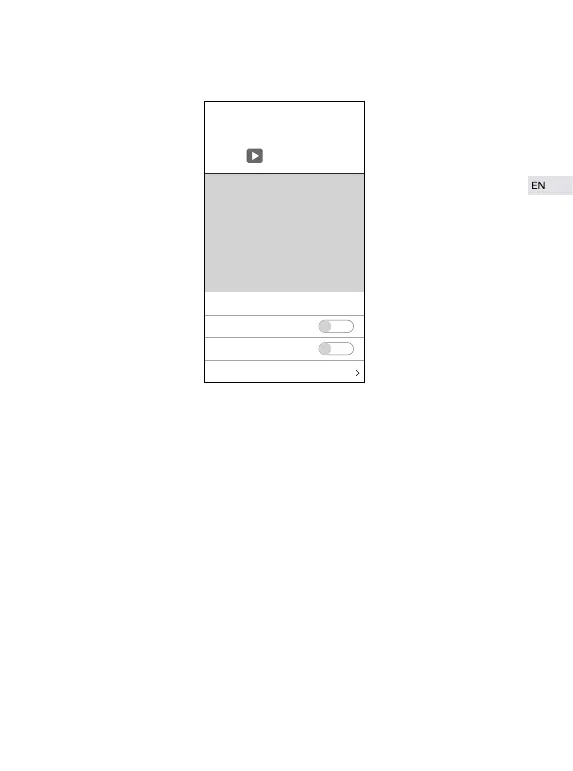
Video
① Night Mode: when "Automatic" is switched on/off, the infrared night
vision will be automatically activated/turned off. When light is dim, it might
be unable to capture pictures.
② Horizontal Mirror: to turn video left to right.
③ Vertical Mirror: to turn video upside down.
④ Light Mode: to adjust light according to specific environment with
indoor/outdoor mode.
⑤ If cross striation appeared or light is dim, please try to toggle the
brightness bar and contrast bar to make adjustments.
Video
Firmware
Automatic
Horizontal MIrror
Vertical Mirror


 To Next Page