10
1.SD Card Records
2.Settings
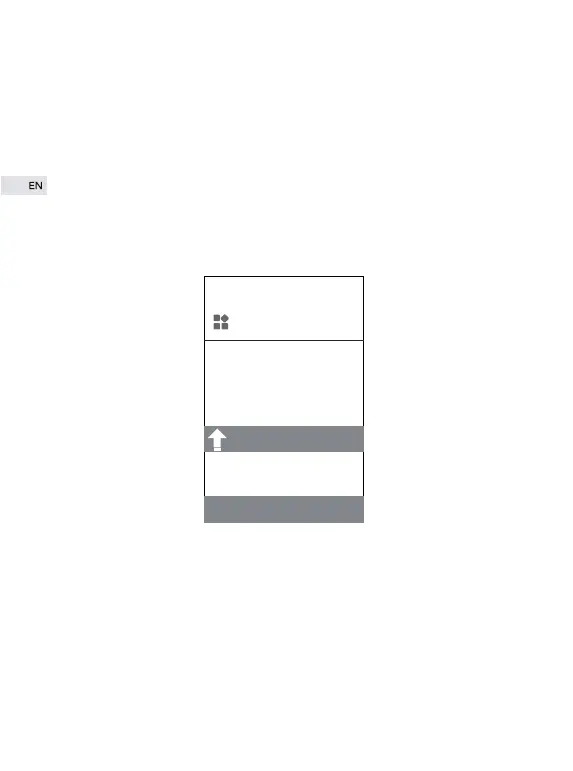
System
You can see all video playbacks and detected motions by timeline.
① Data records here can be set in“settings”--SD recording and Alarm.
② SD recording function must be used with SD card inserted.
System
Firmware
Delete
weak password warning
① Firmware: to check the latest version. Timely system update can
effectively guarantee account security.
② Delete: to delete the current camera.


 To Next Page