3
INSTALLATION GUIDE
About EyeCloud
EyeCloud is a camera application software on mobile devices. You can
remotely control camera, watch surveillance video and receive warning
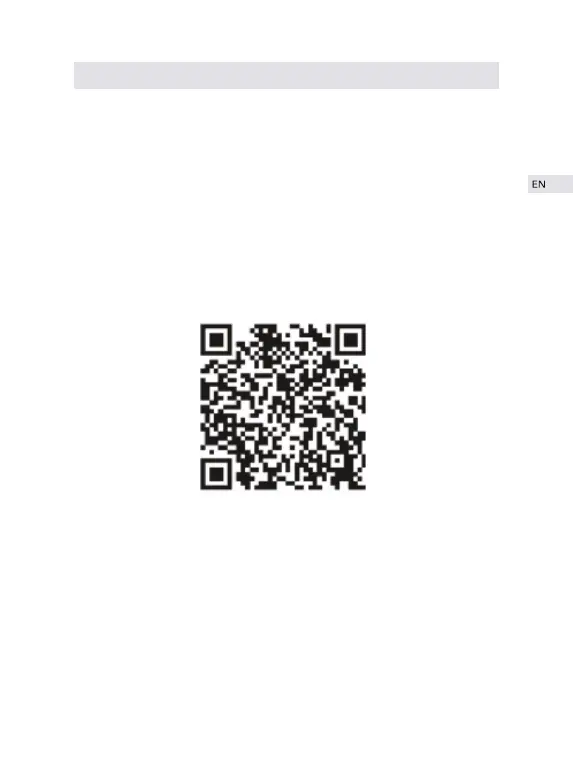
information on mobile devices through this software. Scan the QR code
below or search in application store or browser (particularly recommend-
ed) to download the latest version of EyeCloud. The camera networking
supports two connection modes: wired connection and wireless
connection.
Register Account
① Enter “EyeCloud” and go to register page;
② Input user name and password to finish account registration;
③ For user name, ONLY symbols like “number”, “letter” and “_” are
valid. So email address can not be used as user name. For password, ONLY
combinations of “letter” and “number” are valid. Special symbols like @ $
!are INVALID.


 To Next Page