14
Click full screen icon to view big monitoring screen and enjoy more
functions.
① Slide screen: you can steer the camera by sliding screen up and down.
② Resolution settings: 3 modes, namely, normal, smooth and high.
Top-speed mode determines quality of surveillance. You can choose
appropriate mode according to network situation to ensure the fluency of
operation.
③ Camera: click to shoot current picture.
④ Video: click to record videos.
⑤ Headphone: click to receive voice from camera part.
⑥ Microphone: click and camera part will receive voice.
⑦ Monitor: click to receive and monitor audio of each scene.
> Vertical cruise: click and camera will automatically perform vertical cruise.
> Horizontal cruise: click and camera will automatically perform horizontal
cruise.
> Preset position cruise: click and camera will automatically cruise the
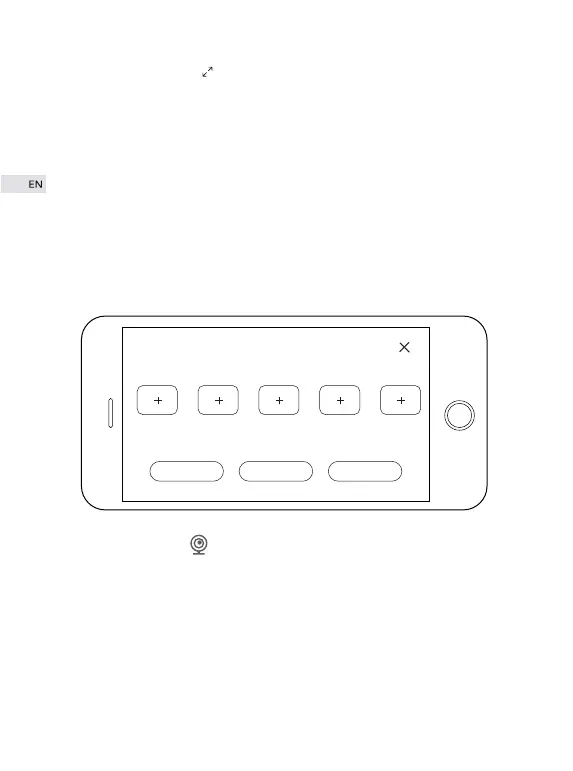
preset positions; click【+】and you can set current view as preset position.
Up to 5 preset positions can be set.
Preset1 Preset2 Preset3 Preset4 Preset5
Horizontal cruise Vertical cruise
Preset Cruise


 To Next Page