16. STAND ASSY. & WALL MOUNTING INSTRUCTIONS
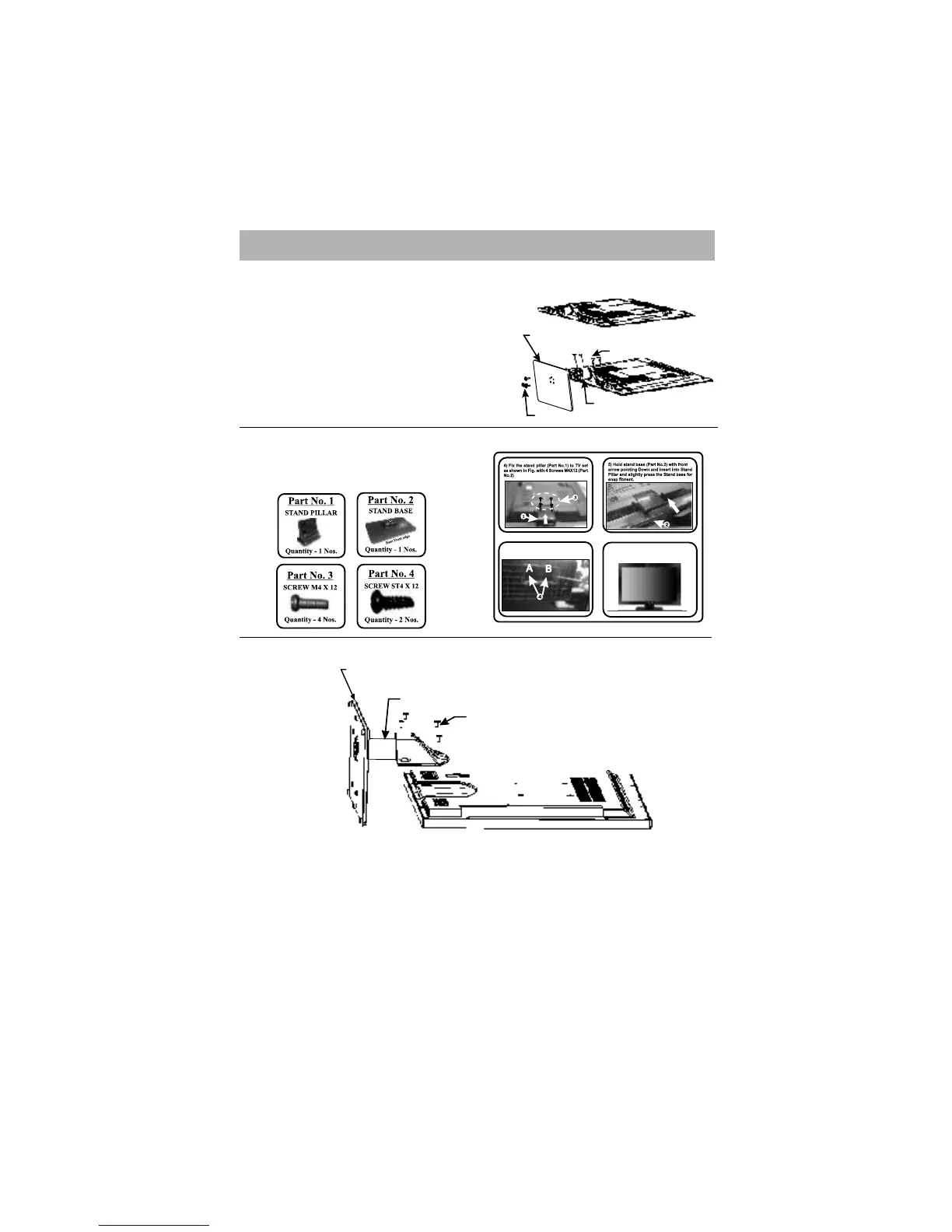
Stand Assembly of 32” LED
27
Note: -
1) The LCD/LED models shown above are just for representation. Actual product may
differ from these images.
2) For wall mounting refer instruction sheet provided with Wall mounting kit.
Stand Assembly of 32” LCD
Stand Assembly of 42”,46”,55",58”,65",80" LED
1. Place the set, face down on the table (as shown in figure).
2. To avoid damage / scratches on panel / set, use soft and clean surface.
3. Fix the Assy. Stand to LED / LCD Set by given 4 nos. Screws (M6x16 WASHER Head)
1. Place the set, ,face down on the table(as shown in figure).
2. To avoid damage / scratches on panel / set, use soft and
4. Fix the stand base, to LED / LCD set
Ensure
F
oot Rubber of Glass Stand
Base to be at bottom side.
by given 3 nos. screws
(ST 4X14 washer head).
3. Fix the Assy. Stand Pillar, to LED / LCD Set
Screws(M 4x12 PAN Head)
by given 4 nos.
clean surface.
1. Remove the TV unit from box and polybag.
2. Place polybag on flat surface with foam side facing up.
3. Place TV set on polybag with screen facing down.
6) Fix 2 screws ST4X12 as shown in below Fig.
7) Now your set is ready to stand on your desk.
Assy. Stand Pillar
ST 4X14
M 4X12
STAND BASE
Assy. Stand
M6X16 SCREW
STAND BASE



 To Next Page