12
2. W PANEL PROGRAMMING
INSTALLATION MANUAL
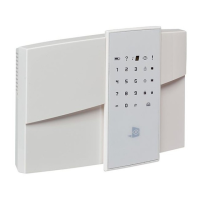
W & WIP Alarm panel
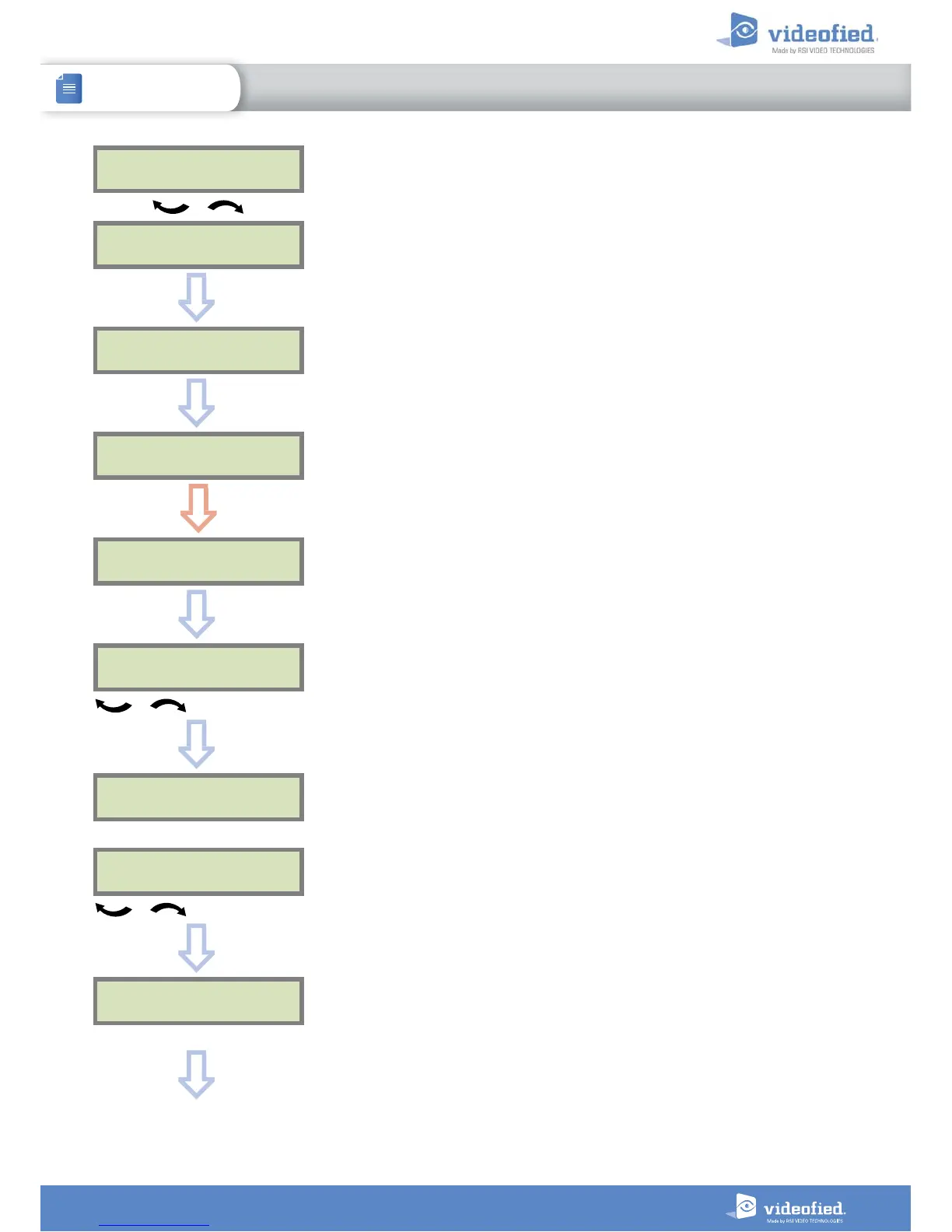
WLAN
PARAMETERS?
WLAN:
ENABLED
WLAN:
DISABLED
OK or YES
OK or YES
IP
PARAMETERS?
ESC
NO
Enable the WLAN.
ADD
NETWORK ?
OK or YES
ADD NETWORK:
AUTO
Please choose between :
AUTO: The WWB100 scans automatically every WLAN network available and
displays them for selection.
WPS: The WWB100 only scans the available WPS networks and displays them
for selection.
MANUAL: The WWB100 does not scan for networks and the user must enter the
network ID (SSID) to connect.
To choose
OK or YES
NETWORK
SEARCH...
Wait
Network1
4/5
To select the network
OK or YES
PASSWORD:
_
Enter the network password
OK or YES


 To Next Page