17
3. W PANEL FEATURES GUIDE
INSTALLATION MANUAL
W & WIP Alarm panel
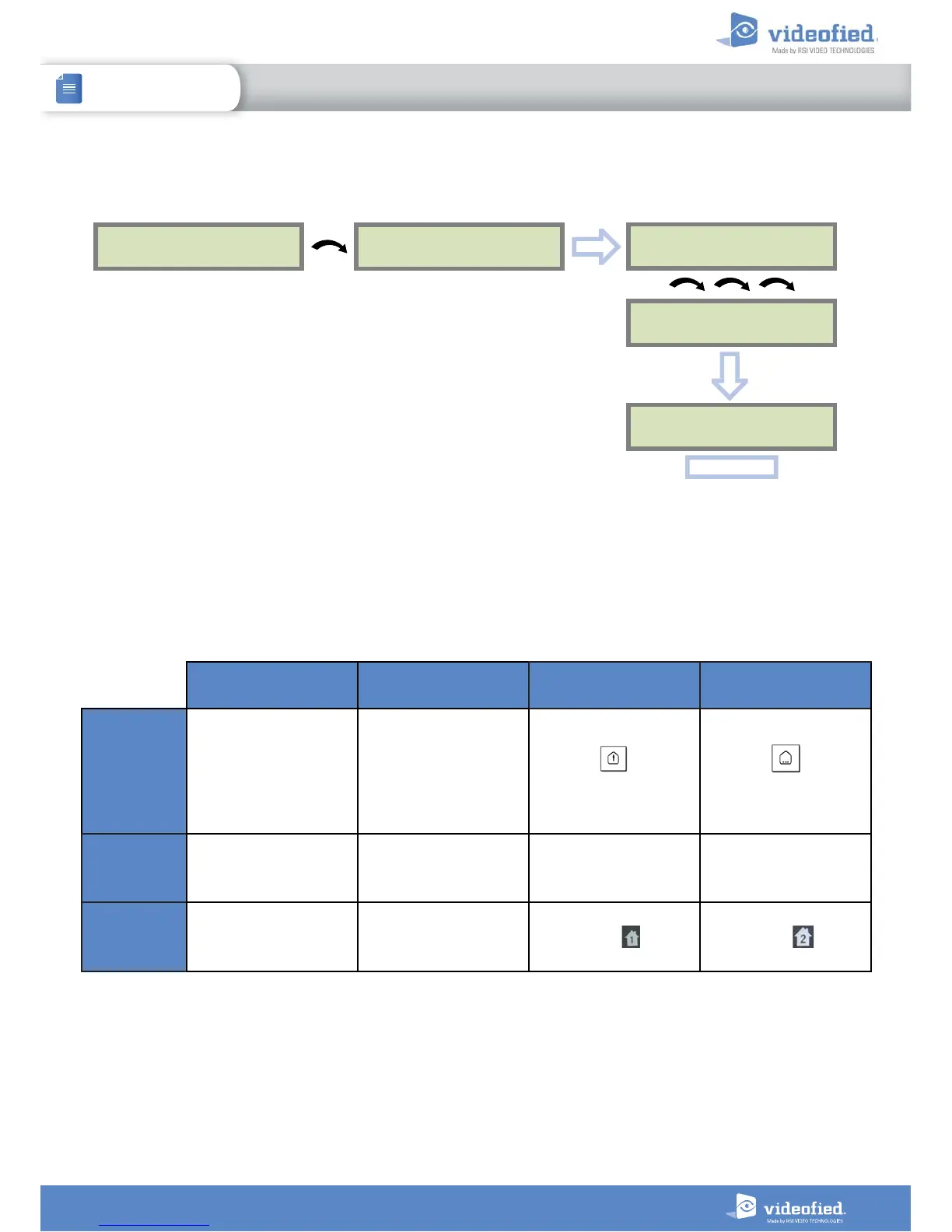
3.1 Get to Access level 4
Tue 29/10 11:23
DISARMED LVL:1
ACCESS LEVEL
1
ACCESS LEVEL
LEVEL : 1
ACCESS LEVEL
LEVEL : 4
OK or YES
OK or YES
To unlock and get access to the installer level 4, you need to successively enter TWO
codes (in any order) :
• INSTALLER CODE (entered during intial programming)
• USER CODE (Level3): the user must authorize the installer to get access to the
configuration of his panel.
OK or YES
BADGE OR CODE
3.2 How to Arm/Disarm the System
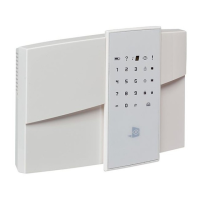
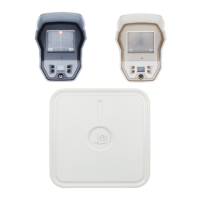
When in standby mode, the system can be armed with the remote keypad , the remote keyfob and/or the remote badge reader.
Full arming with
personal code
Full arming with badge Special Arming 1 Special Arming 2
With remote
keypad
Enter your user code
and press
OK or YES
Present your badge on
the keypad
( XMB model only)
Press
enter your user code
and press
OK or YES
Press
press
OK or YES
and
enter your user code
With remote
badge reader
BR250
N/A
Present your badge on
the badge reader
N/A N/A
With remote
keyfob
N/A N/A
Press Press


 To Next Page