9
2. W PANEL PROGRAMMING
INSTALLATION MANUAL
W & WIP Alarm panel
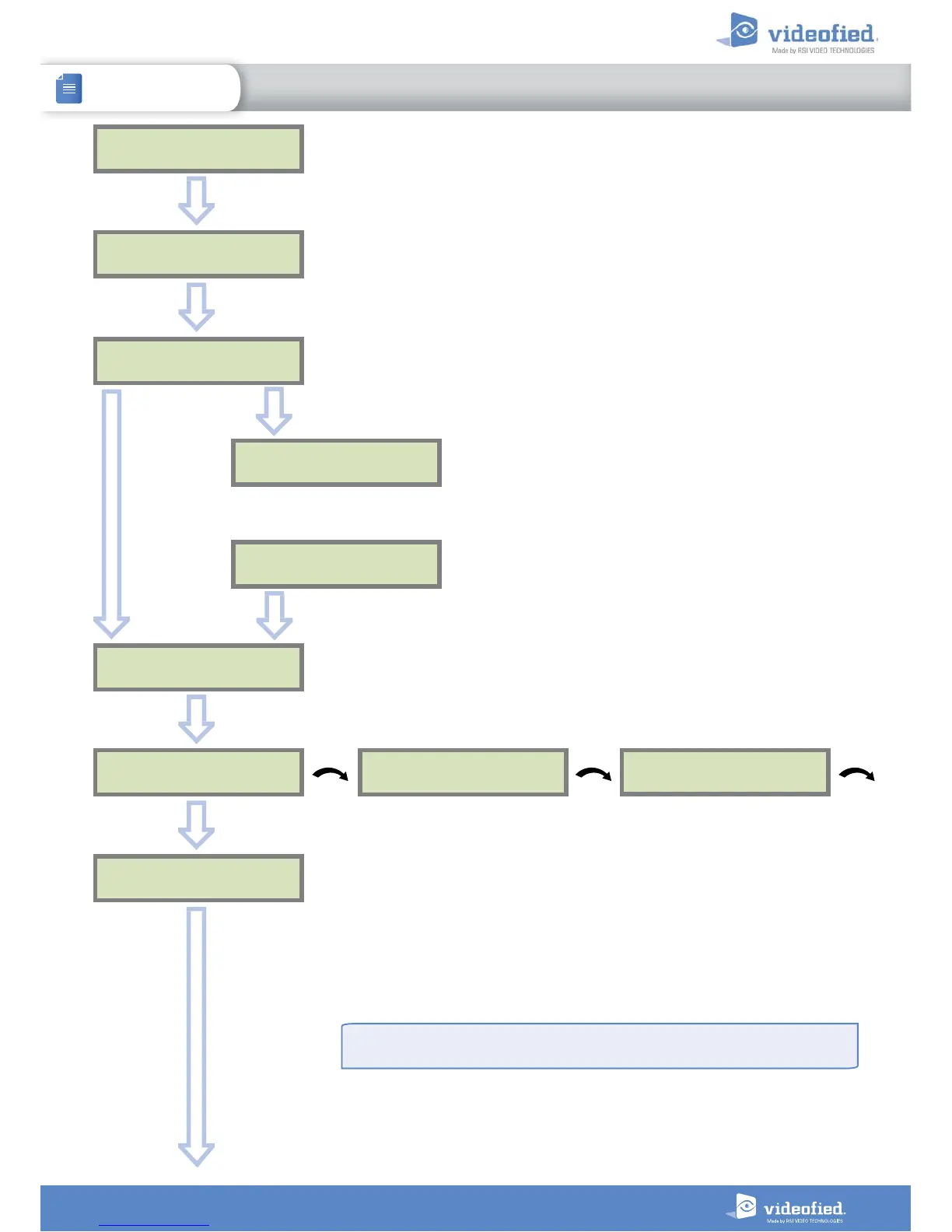
TEST (hour) :
04:
CODE / TEST
MODIFICATION?
OK or YES
TEST (minutes) :
04:15
OK or YES
OK or YES
The CODE/STATE MODIF. menu is used to configure the
transmitted events to the monitoring station. Use the arrow
keys to toggle between events and
OK
or
YES
to modify.
ALARM: event transmitted upon occurrence.
ALARM/END: event is transmitted on occurrence and on
event restoral.
NOT TRANSMITTED: event is not transmitted, however it
will appear on the keypad.
Please liaise with your Monitoring Station to ensure
that the requested events to transmit are correctly set.
CODE / TEST
MODIFICATION
Events list
ESC
NO
SERVER
ADRESSES ?
OK or YES
Wait
SERVER
ADRESSES ?
IP1 ADDRESS
0.0.0.0
DOMAIN NAME 1
PORT 1
888
The IP1 address, Domain Name 1 and/or Port 1 are provided by the monitoring
station.
Leave Port details at 888 unless otherwise instructed.
Press
OK or YES
to enter/modify the parameter then
OK or YES
for validation.
WARNING : You will use either an IP address or a Domain name, but not both, leave
the Domain name blank if an IP address has already been entered.
Press on the right arrow to configure IP/Domain name 2 and PORT2 (for the back-up
server), and IP/Domain name TMT and PORT TMT (to configure remote maintenance
server).
ESC
NO
ESC
NO
ESC
NO
The panel transmits in priority to IP1 (or DOMAIN NAME 1) / PORT 1 then to IP2 (or
DOMAIN NAME 2) / PORT 2 as a backup.


 To Next Page