Rev AA Manage Messages 5-23
Videojet 1710 Operator Manual
You can enter the messages that have a maximum height of 34 dots (1710 printer).
You can enter multiple lines of text until all lines fit within the allowed height of
the message.
Use the Up and Down arrow keys to move the cursor to the line where you enter
the text.
To Set the Message and Default Parameters
The message parameters define the visual features and position (product delay) of
the message.
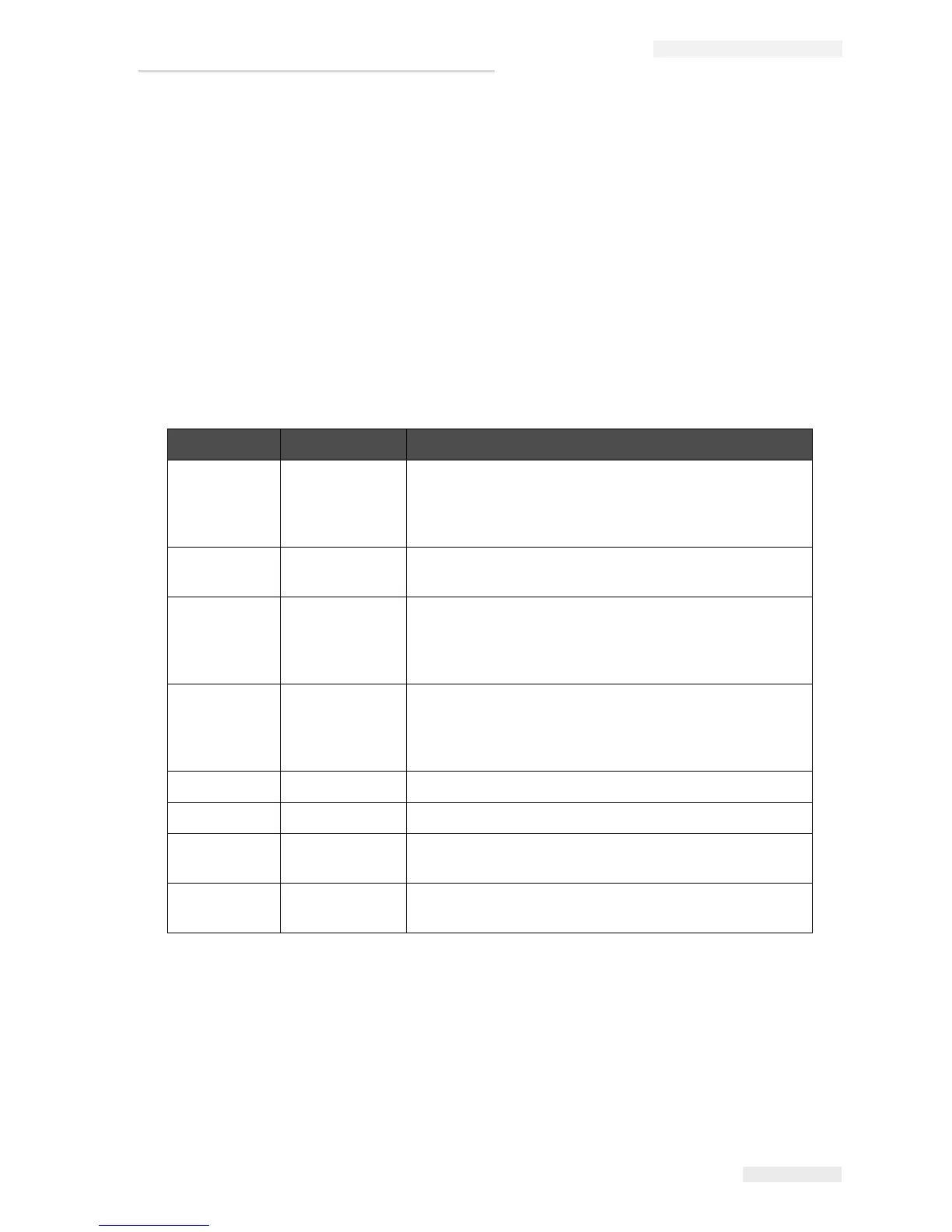
The different parameters that are available (Messages > Default Parameters) are
shown in
Table 5-10, and Figure 5-10 on page 5-24.
Parameter Range Description
Width Refer to
Message width
and Positioning
Addendum
Controls the final message width. The maximum speed
of the print puts a limit to the minimum width. Set the
width to 1 and print at the maximum rate that you can get
for the selected number of “printed drops”.
Character
Height
1 to 10 Sets the character height at 1 (minimum print height) to
10 (maximum print height).
Character
Gap
0 to 9 Sets the character gap between 0 (equivalent to a single
vertical line of dots) to 9 rasters/ strokes (equivalent to
10 vertical lines of dots). Because of character
formation, setting 0 gives a character gap of 1 raster.
Product**
Delay
Refer to
Message width
and Positioning
Addendum
Sets the product delay (the time between the start of
product (trigger point) and the print start position).
Reverse On/Off Reversed (back to front) character printing.
Invert On/Off Inverted (upside down) character printing.
Raster
Repeat
1 to 10 Sets the count for the same raster/ stroke is to be
printed.This allows characters to be emboldened.
Raster
Substitution
- When selected ON the printer automatically selects the
appropriate raster for the line running speed.
Table 5-10: Default Message Parameters


 To Next Page
 Loading...