5-24 Manage Messages Rev AA
Videojet 1710 Operator Manual
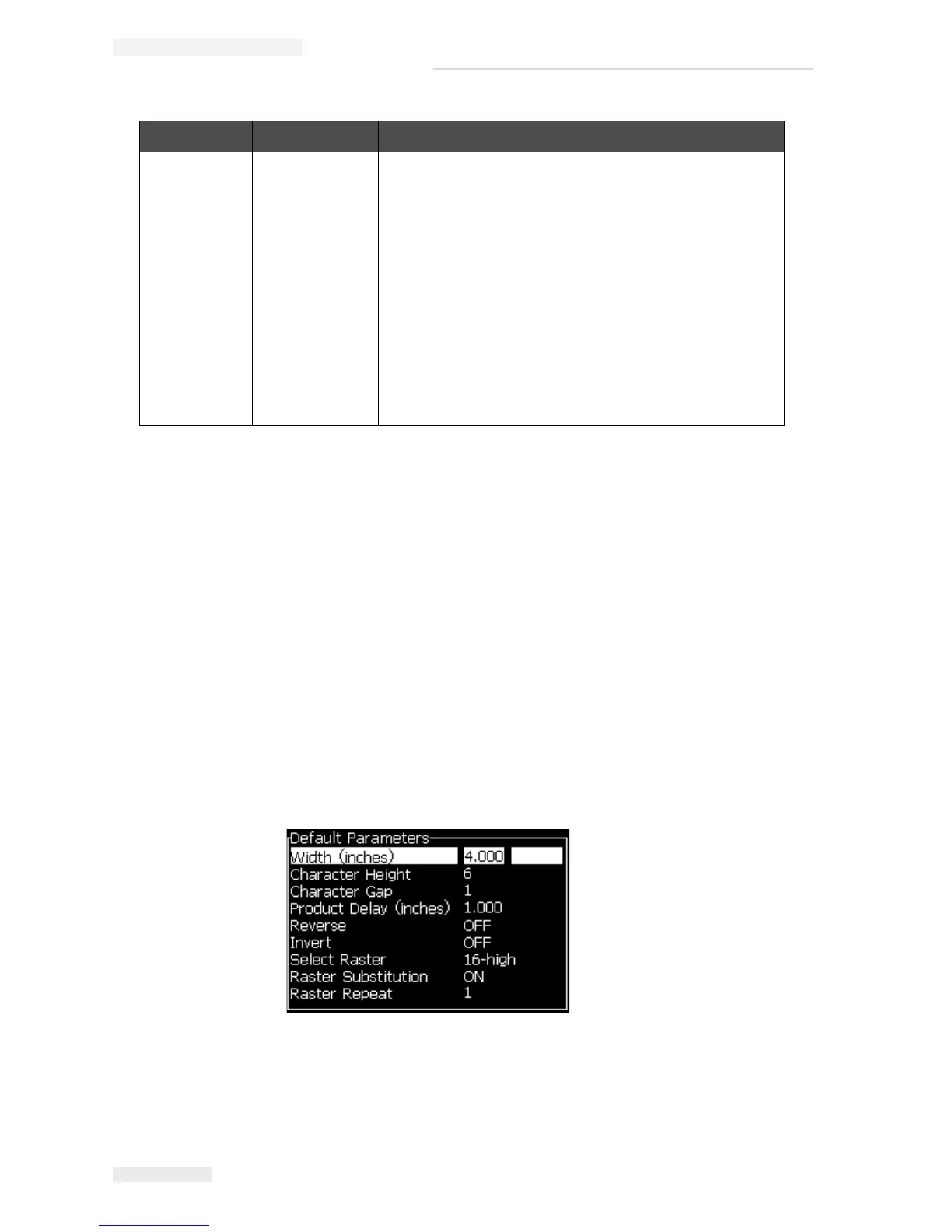
To Set Default Parameters
The default values for the parameters are set during the installation, but you can
change the values any time.
Do the following tasks to set the default parameters:
1 Press the Alt+M keys. The Messages menu appears.
2 Select the Default Parameters (Figure 5-10) to edit the values.
Note: The default parameters are applied only to the new messages. The
existing messages do not change.
3 Select the parameter that you require to edit, and enter the required value.
4 When all parameter values are set, press the Enter key to return to the
Message Editor screen.
Select Raster 5-high
7-high
9-high
2x5 dedicated
12 high
2x7 dedicated
16 high
2x9 dedicated
20-high
24-high
25-high
26-high
3x9 dedicated
34-high
Lists the file name of the selected raster.
Parameter Range Description
Table 5-10: Default Message Parameters (Continued)
Figure 5-10: Default Parameters Dialog Box



 To Next Page