5-22 Manage Messages Rev AA
Videojet 1710 Operator Manual
9 Enter the names into the table locations for the parallel bit values from the
external data selection source.
10 Press the F2 key to select the message names from a list of those available.
11 When you assign all the messages that must be available to the external
source, press the Enter key to return to the Message Editor screen. Else, press
the Esc key to return to the Message Editor screen without any changes.
To Copy and Paste a Message
If only minor changes are required to an existing message to create a new
message, use the Copy Message option.
1 Press the Alt+M keys. The Messages menu appears.
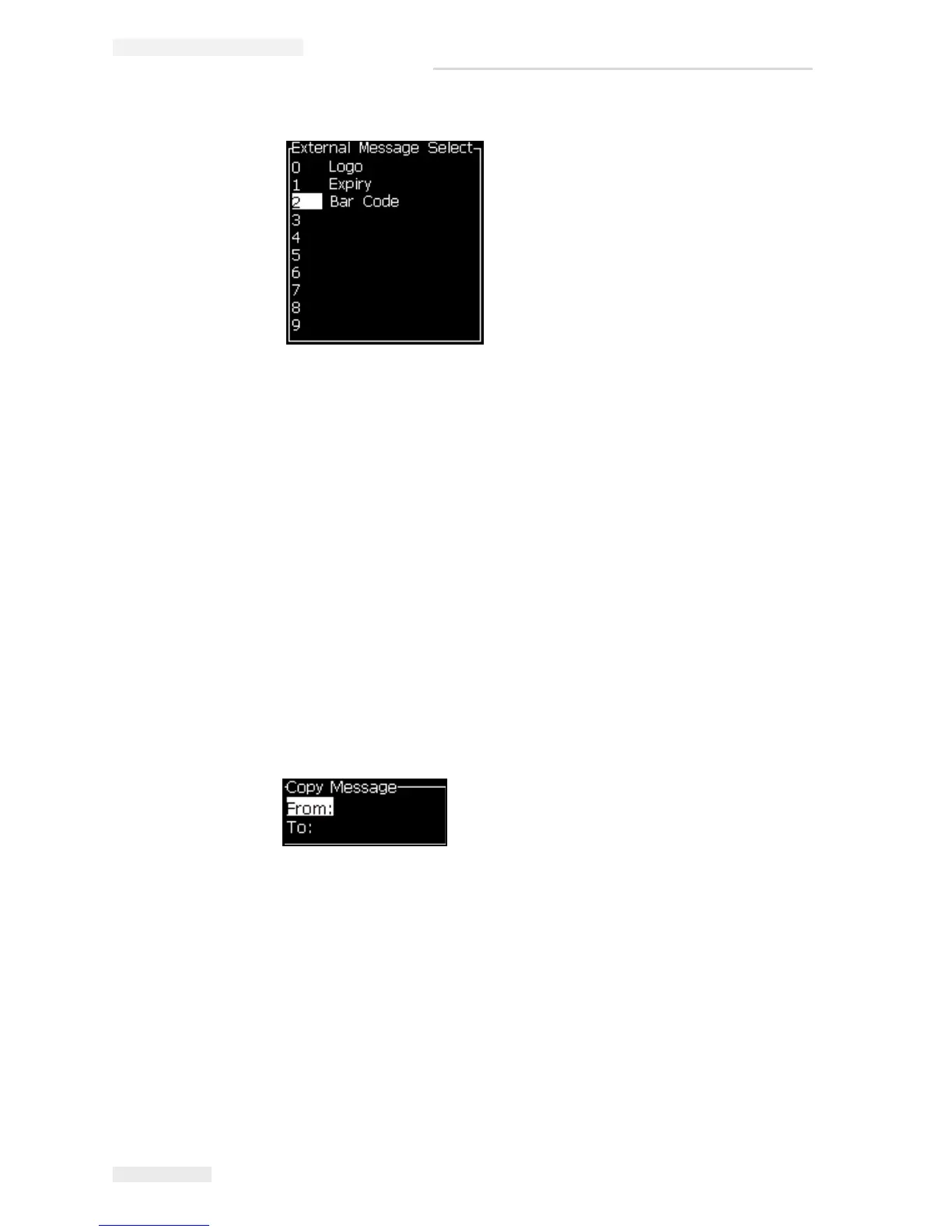
2 Select Copy Message. The Copy Message dialog box appears.
3 Enter the name of the source message in the From box.
4 Enter the name of the new message in the To box.
5 Press the Enter key to copy the message and return to the Menu screen.
To Enter Multiple Lines in a Message
Note: The printer automatically selects the best configuration from the message
that you entered.
Figure 5-8: External Message Select Dialog Box
Figure 5-9: Copy Message Dialog Box



 To Next Page