Rev AA Manage Messages 5-21
Videojet 1710 Operator Manual
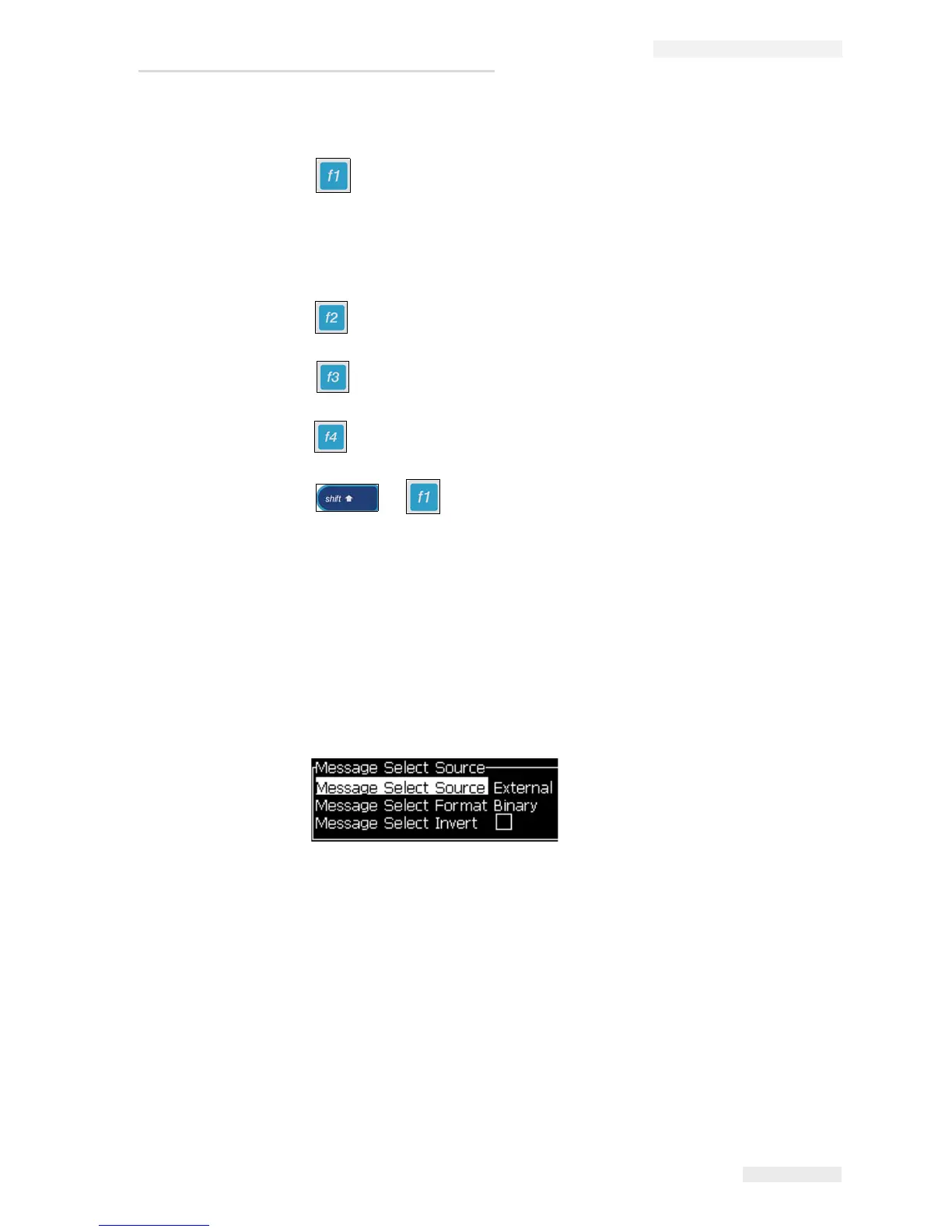
The function keys are assigned as follows in the Message Editor screen:
Select font height
Note: Videojet 1710 printer has 5, 7, 9, 12,16, 24 and 34-high fonts.
Note: The font heights available are independent of language.
Insert a user field
Change the attributes
Set the message parameters
+ Save the changes and exit the Message Editor
To Select the Source for a Message
You can set and select the stored messages in the machine by an internal source or
an external parallel message selection source.
1 Press the Alt+M keys. The Messages menu appears.
2 Select Message Select Source. The Message Select Source dialog box
appears.
3 Use the arrow keys to select the required source - Internal or External.
4 Select the format for the message - Binary or BCD for External source.
5 Use the arrow keys to Invert the message data for External source.
6 Press the Enter key to set the source and return to the Message Editor screen.
7 Select the Messages menu again.
8 Select Edit External Select Table. The External Message Select dialog box
appears.
Figure 5-7: Message Select Source Dialog Box



 To Next Page