5-20 Manage Messages Rev AA
Videojet 1710 Operator Manual
Note: The message name can contain a maximum of 31 alphanumeric
characters which includes the spaces.
4 Press the Enter key. The Message Editor screen appears (see Figure 5-5 on
page 5-20).
You can set the height of the font, insert user fields in the message editor
screen.
To Edit a Message
Do the following tasks to edit the messages:
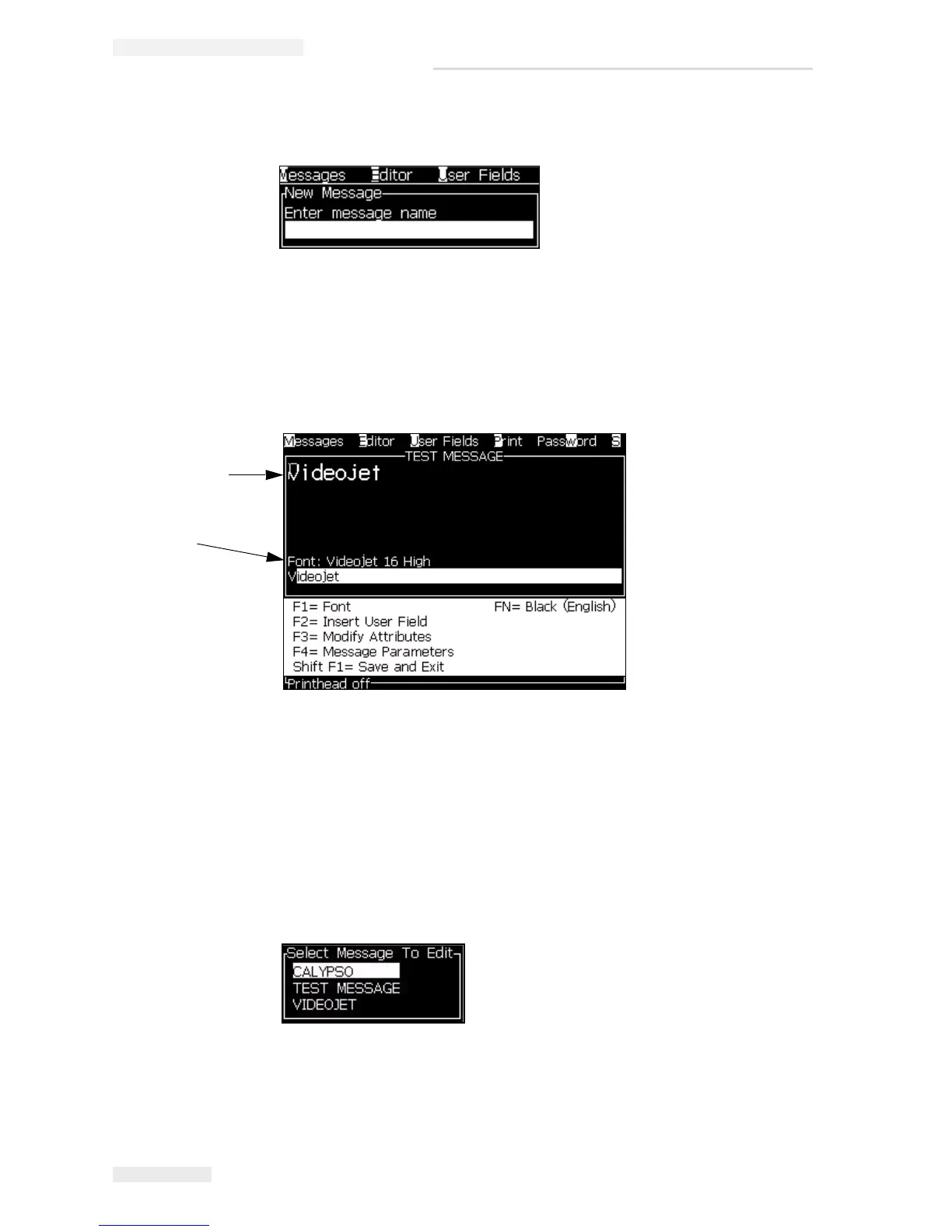
1 Press the Alt+M keys. The Messages menu appears.
2 From the Messages menu, select Edit Message. The Select Message To Edit
menu appears.
3 Select the message that you require to edit. The Message Editor screen
appears.
Figure 5-4: New Message Dialog Box
Figure 5-5: Create New Message
Entered Text is
seen here
Present Font
Size
Figure 5-6: Select Message to Edit Dialog Box



 To Next Page