Rev AA Manage Messages 5-19
Videojet 1710 Operator Manual
Manage Messages
To Create a Message
Do the following tasks to create a message:
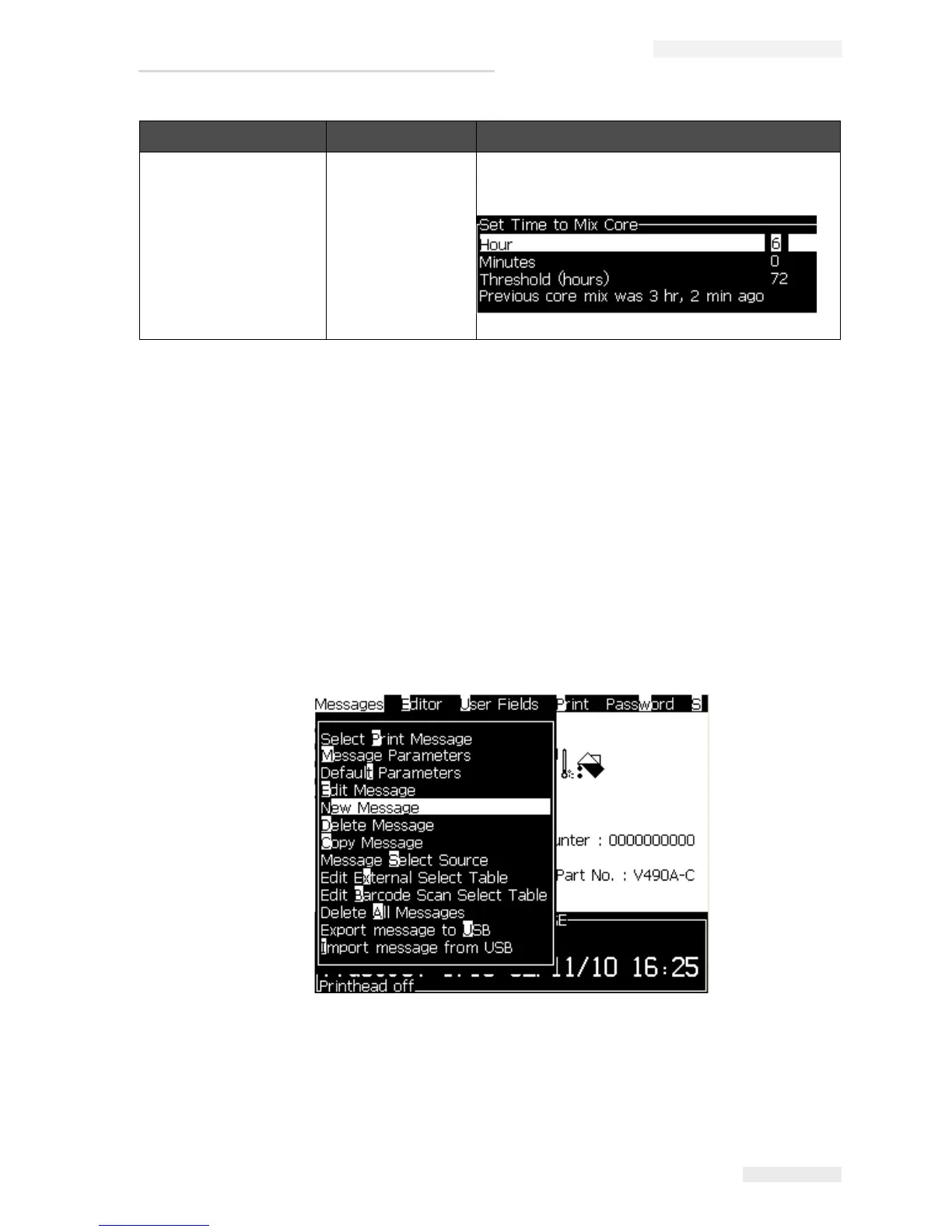
1 Press Alt + M to open the Messages menu
Note: You can use quick keys Alt + F2 to open the messages menu in the
menu screen.
2 Select New Message. The New Message dialog box appears (see Figure 5-4).
3 Enter a name for the message.
Set Mixing Time Opens the Set Time to Mix Core dialog box.
Allows the user to set time for mixing the ink in the
ink core.
Configure Menu Commands Function
Table 5-9: Configure Menu and Commands (Continued)
Figure 5-3: Messages Menu



 To Next Page