5-18 Menu Description Rev AA
Videojet 1710 Operator Manual
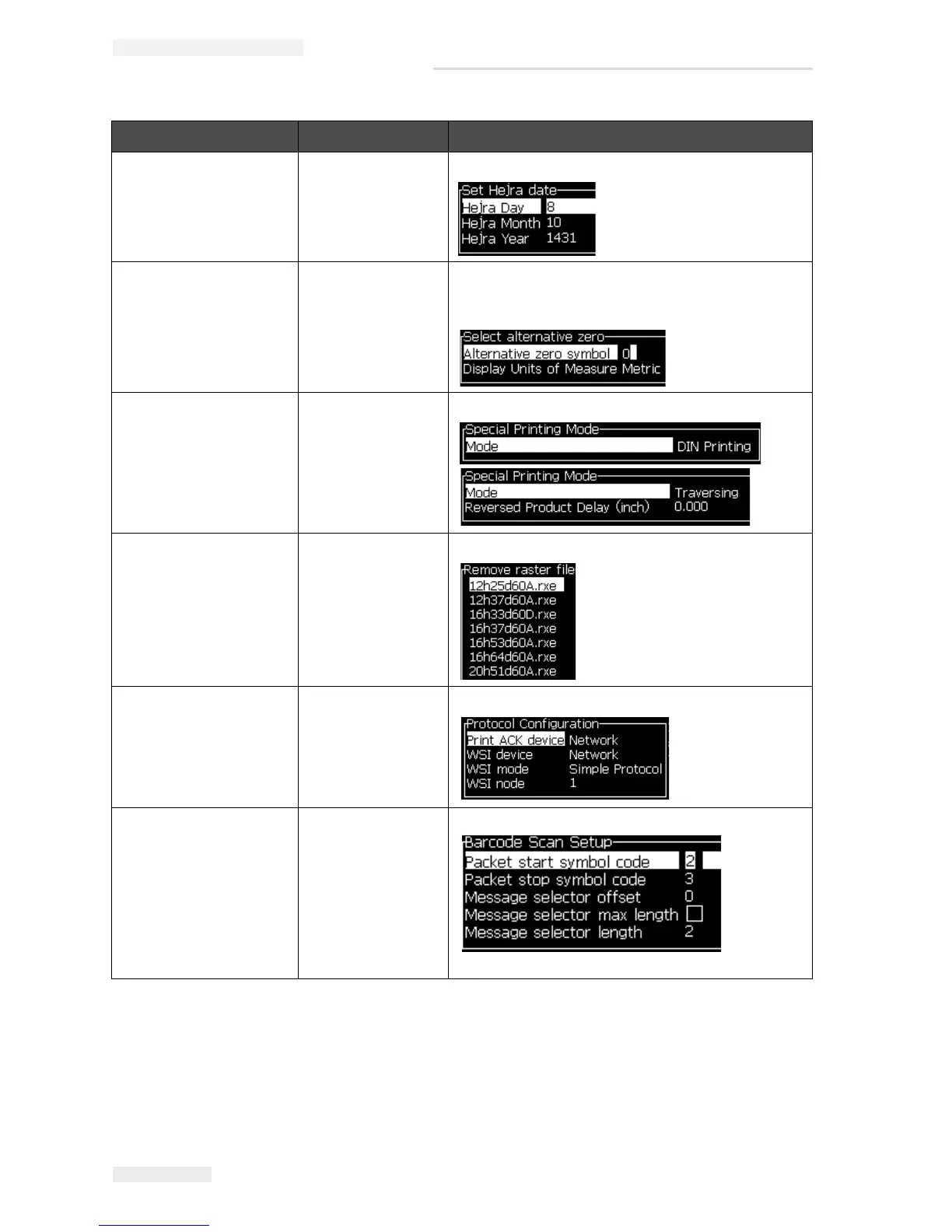
Set Hejra Date Sets the date per the Arabic calendar.
Select Alternative
Zero
Opens the Select alternative zero dialogue box.
Alternative zero symbol can be set to one of
several available zero characters.
Special Printing
Mode
Selects DIN printing and traversing printing.
Remove Raster Removes the raster file from the printer.
Protocol
Configuration
The WSI setup options are available in this menu.
Barcode Scan
Setup
Opens the Barcode Scan Setup dialog box.
Configure Menu Commands Function
Table 5-9: Configure Menu and Commands (Continued)



 To Next Page