6-2 Daily Maintenance Activity Rev AA
Videojet 1710 Operator Manual
Daily Maintenance Activity
Perform the below daily maintenance activities:
• Make sure the printer performs ‘Clean Start’ and ‘Clean Stop ‘daily.
• Inspect the Printhead
- Printhead should be cleaned only if there are issues with print
quality or printhead has faults. Refer to
“Procedure” on page 6-8.
Preventive Maintenance Schedule
Task Interval
Replace Ink Core 4000 hours or 12 months (whichever
occurs first)
Printer will not operate until the ink core
is replaced.
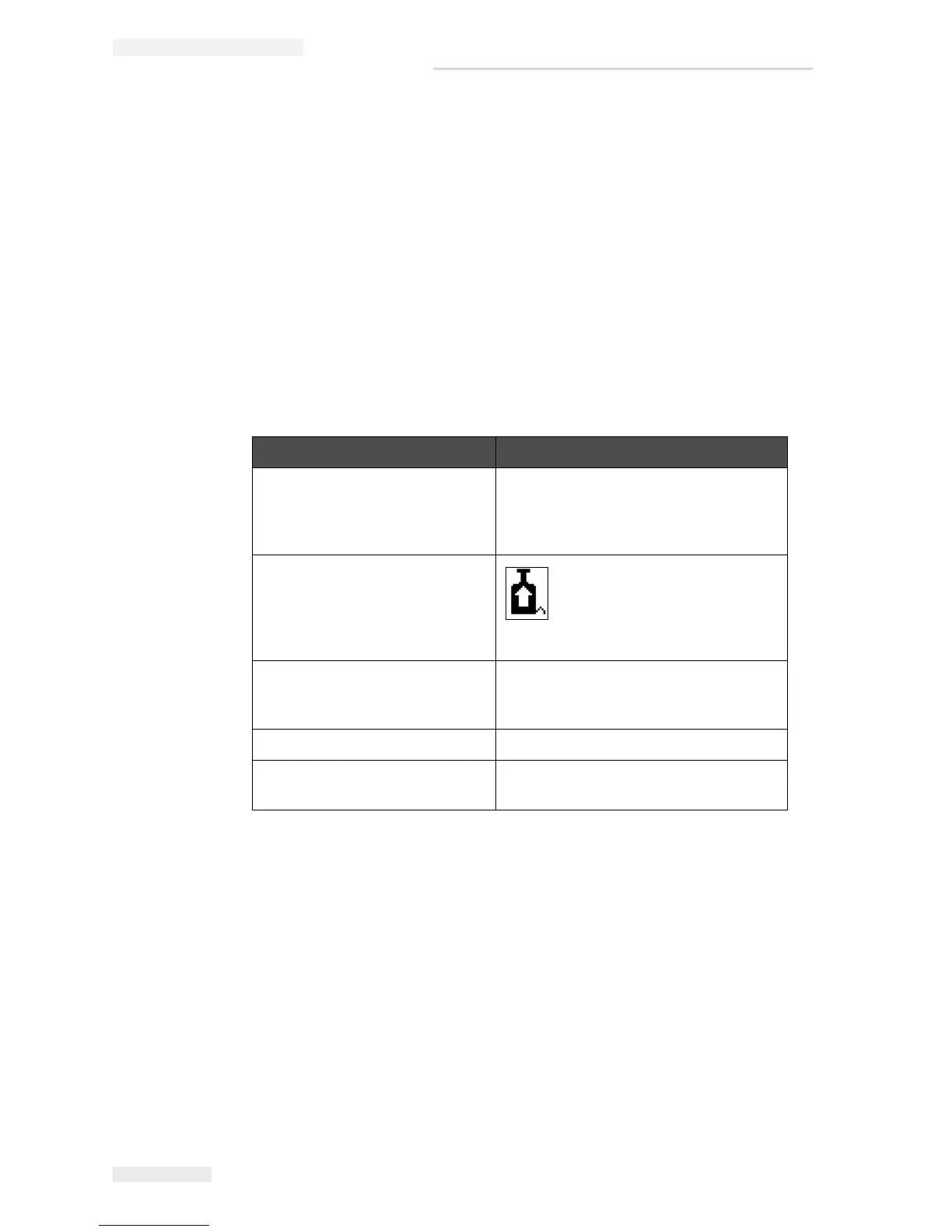
Replace the Ink pump Replace the pump when the
printer indicates that it is
reaching the end of life. The
warning icon appears indicating
the user to replace the pump.
Gutter Pump/Valve Module 8000 hours
Printer can operate, but prompts the
user to change.
Fan Filter 2000 hours
Floor Filter 8000 hours (replace with gutter pump/
valve module).
Table 6-2: Preventive Maintenance Schedule



 To Next Page