6-4 Replace Smart Cartridges Rev AA
Videojet 1710 Operator Manual
3 Insert the new ink cartridge into the ink cartridge holder by aligning
the cartridge key with the correct holder slot (see
Figure 6-3 on
page 6-5).
Make sure that the cartridge is engaged completely in the folder.
Note: Push the cartridge until the cartridge locks into the cartridge holder
(that is till you hear a snap sound).
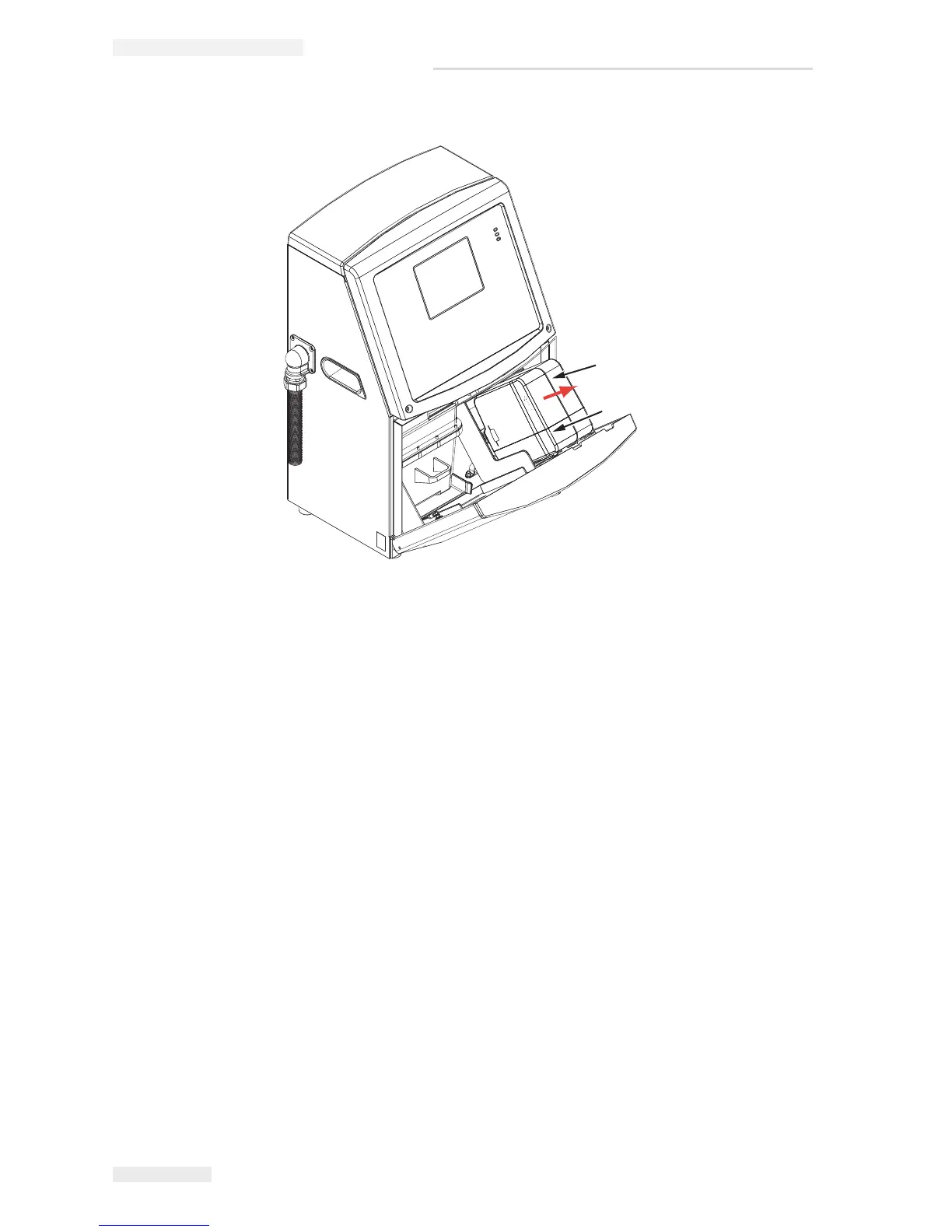
Figure 6-2: Pull out the Cartridges
1. Ink Cartridge
2. Make-up Fluid Cartridge


 To Next Page