Rev AA Inspect the Printhead 6-5
Videojet 1710 Operator Manual
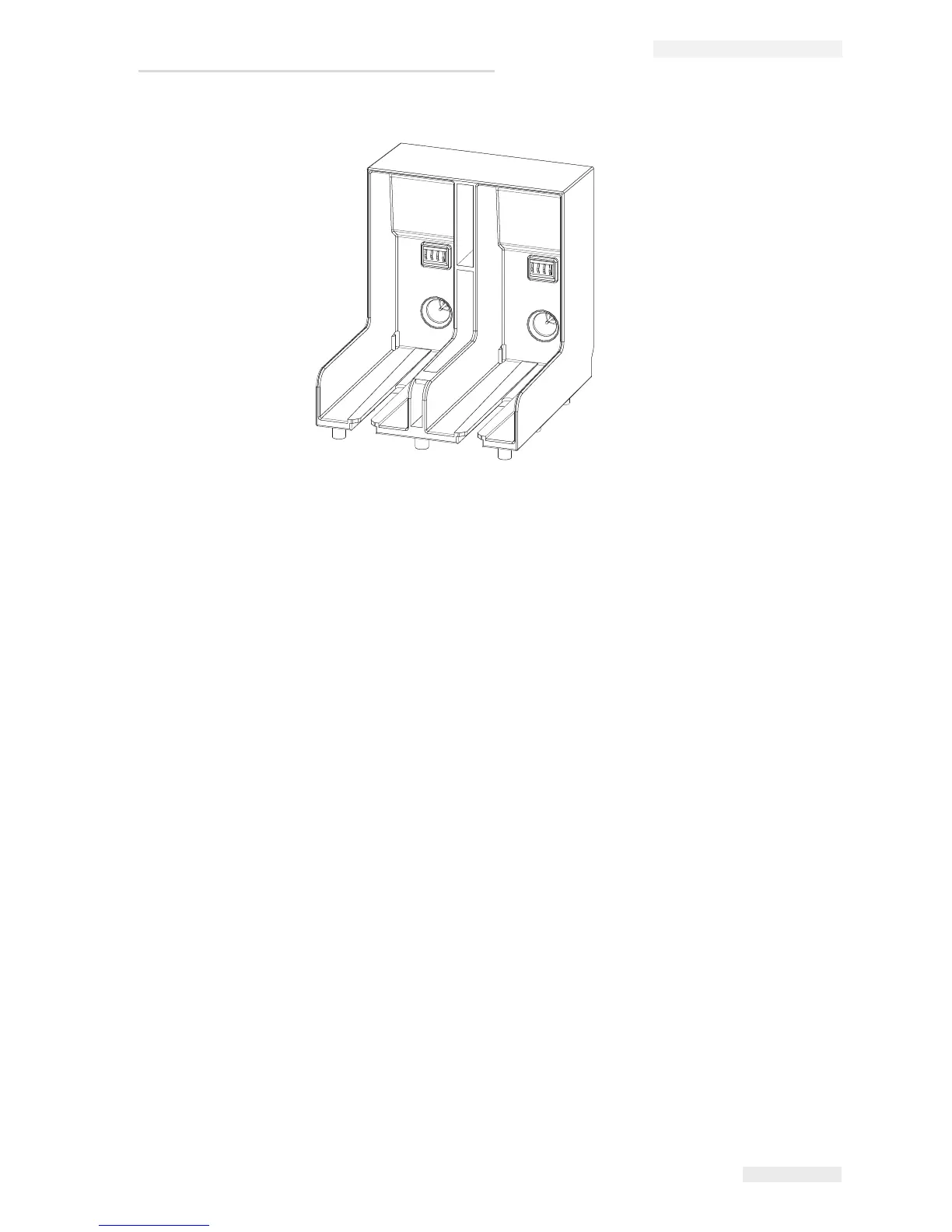
4 Insert the new make-up fluid cartridge into the make-up fluid
cartridge holder by aligning the cartridge key with the correct holder
slot.
Make sure that the cartridge is engaged completely on the holder.
Inspect the Printhead
The printhead must be inspected regularly. Initially, inspect the printhead
once a week. Clean the printhead only if required.
Based on the printer application, extend the frequency of inspection.
Do the following tasks to inspect the printhead:
1 Stop the ink jet and wait for the printer to completely shutdown.
2 Disconnect the printer from the power supply.
3 Loosen the printhead screw (item 2, Figure 6-4 on page 6-6) and
remove the printhead cover (item 3).
4 Inspect the printhead and the inside of the printhead cover for any ink
deposits. Clean if necessary (refer
“Clean the Printhead” on page 6-6).
Figure 6-3: Cartridge Holder Slot


 To Next Page