Rev AA Incorrect Print Position 7-3
Videojet 1710 Operator Manual
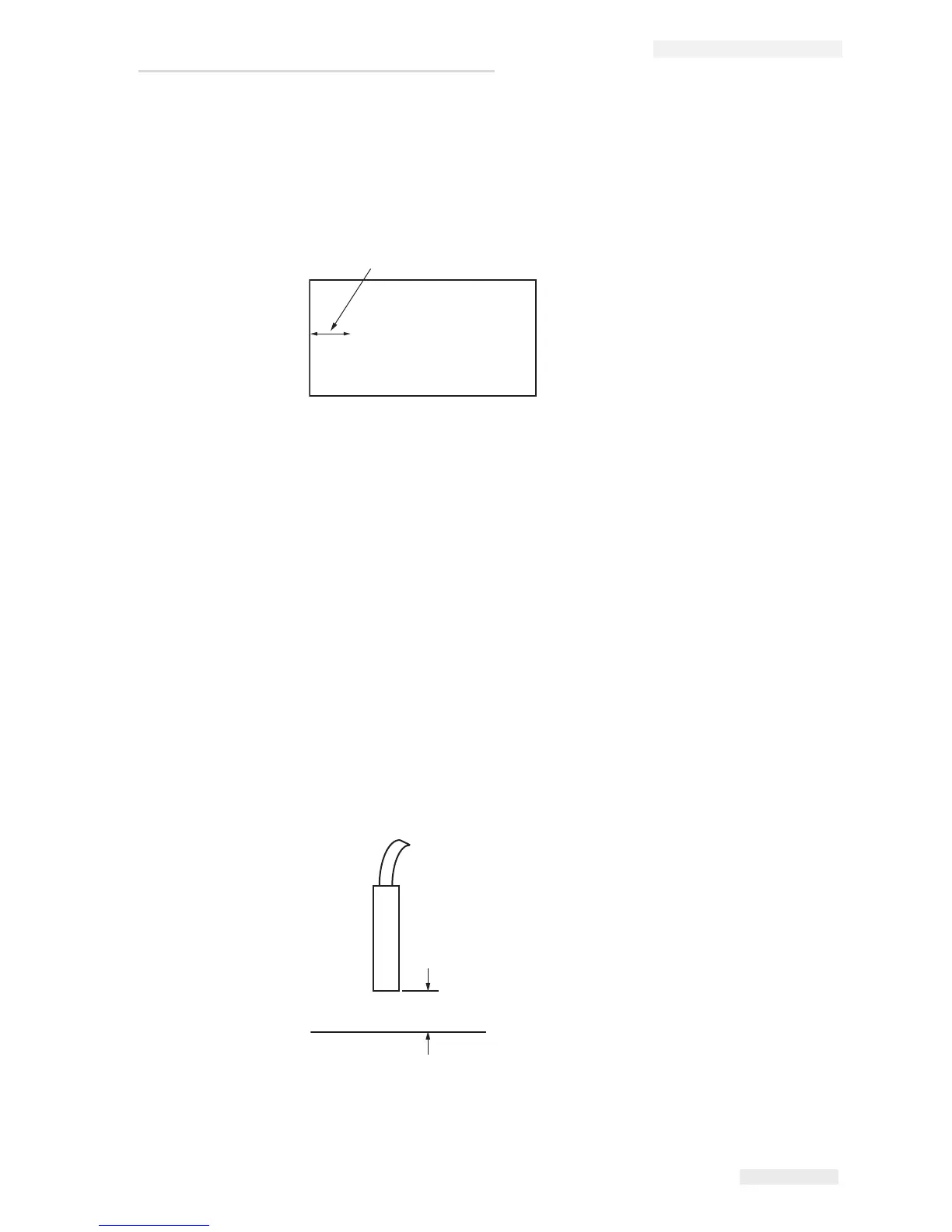
Incorrect Print Position
1 Make sure that the Product Delay value set in the Message Parameters
menu is correct. See
“To Set the Message and Default Parameters” on
page 5-23.
2 Make sure that there are no additional spaces at the start of the
message.
Incorrect Print Size
1 Make sure that the set character height is correct. Refer to “To Set Font
Height” on page 5-49.
2 Make sure that the distance from the printhead to the product is
correct. The character height increases and resolution decreases as the
printhead moves away from the product.
Note: The optimal distance from the printhead to the product for the best
quality is 10 mm.
Product
Distance from Edge
Videojet
Figure 7-1: Print Position
Figure 7-2: Distance from Product


 To Next Page