7-6 Printer Status Icons Rev AA
Videojet 1710 Operator Manual
Printer Status Icons
The printer status icons are divided into three groups:
• The indicator icons. The indicator icons show the status of the ink jet.
• The fault (alarm) icons. When a fault condition occurs, the prints stops
printing.
• The warning icons. When a warning condition occurs, the printer
continues to print until the warning condition becomes a fault
condition.
Indicator Icons
Fault (Alarm) Icons
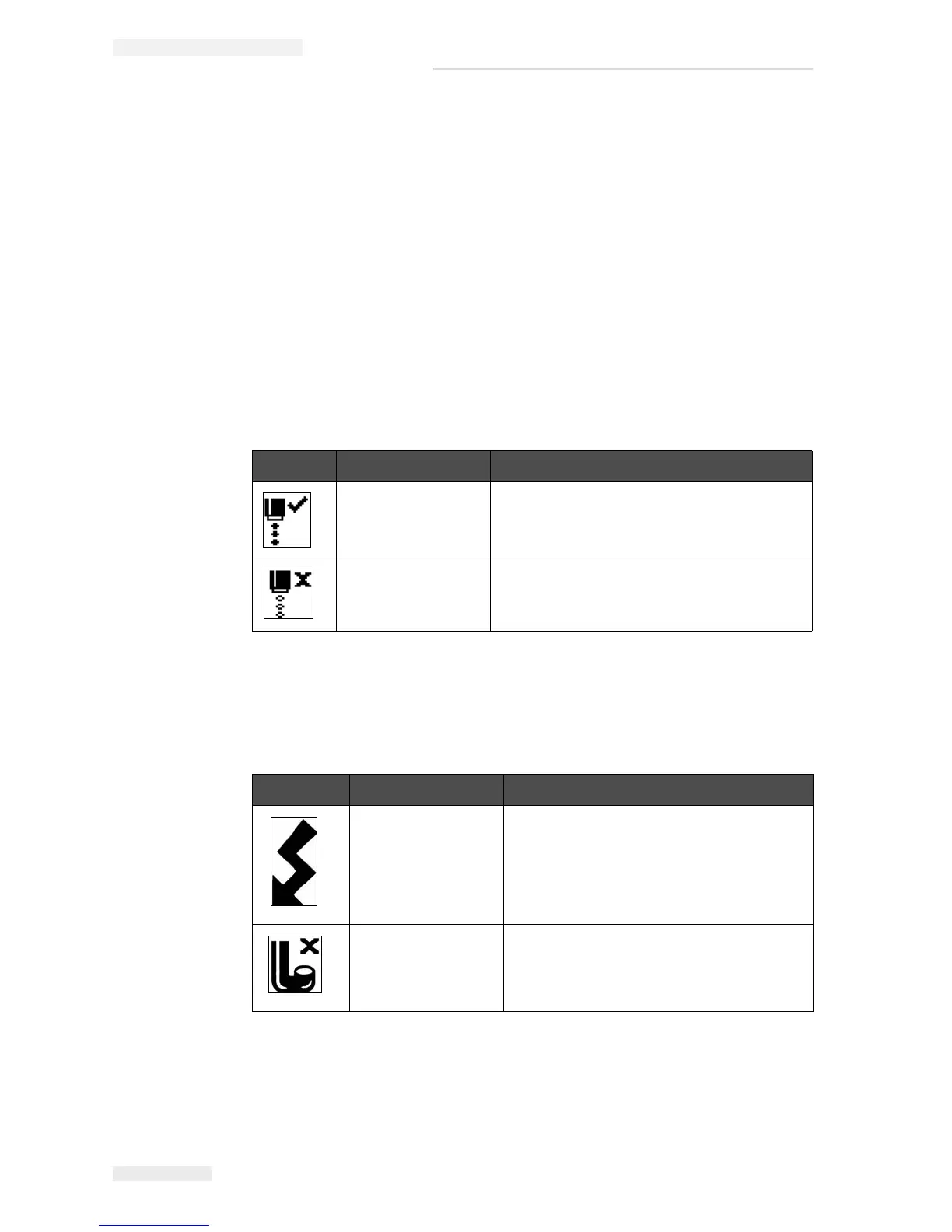
Icon Name Description
Jet Running The ink jet is running and the machine is
ready to print. When the machine starts, the
icon flashes.
Jet Stopped Indicates that the ink jet is stopped.
Table 7-3: Indicator Icons
Icon Name Remedial Action
EHT Trip The deflector plate arcing is sensed.
Clean the deflector electrodes, within the
printhead. If this action does not correct
the fault, contact Videojet maintenance
engineer.
Gutter Fault Ink is not entering the gutter. Back flush
the nozzle. If this action does not correct
the fault, report the fault to Videojet
maintenance engineer.
Table 7-4: Fault (Alarm) Icons


 To Next Page