Rev AA Printer Status Icons 7-7
Videojet 1710 Operator Manual
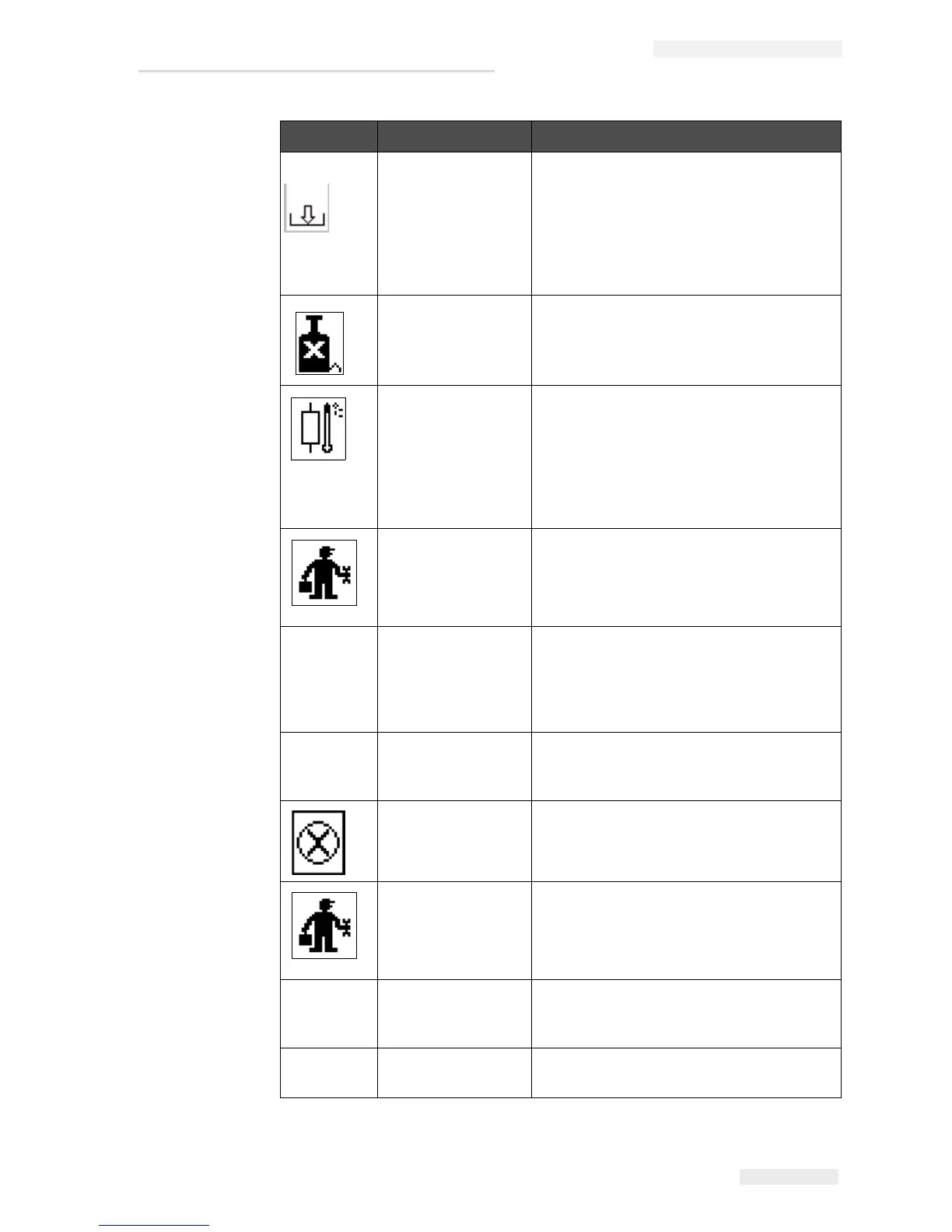
Ink Core Empty Check whether the ink and make-up
cartridges are empty. If the cartridge is
empty, then replace it and the ink core is
refilled. Check the remaining ink core life.
If this action does not correct the fault,
report the fault to Videojet maintenance
engineer.
Pump Fault Report the fault to Videojet maintenance
engineer.
Cabinet Too Hot The printer cabinet temperature is more
than 80 degrees Celsius. To prevent any
damage, the printer stops automatically.
The printer starts after the temperature
decreases.
Report all overheating incidents to
Videojet maintenance engineer.
Ink System Service
Overdue
The ink core module is in use for more
than 4000 hours and requires
maintenance. Contact Videojet
maintenance engineer.
- Unable to control
viscosity
Check whether the make-up cartridge is
not empty. If the cartridge is empty, then
replace it. If this action does not correct
the fault, report the fault to Videojet
maintenance engineer.
- Mod Driver Chip
Over Temperature
Mod amplifier hardware shutdown
because of amplifier over temperature.
Contact Videojet maintenance engineer.
Rasters Memory
Overflow Detected
Contact Videojet maintenance engineer.
Valve Error Hardware error in valve hit / hold drive
circuit. Contact Videojet maintenance
engineer.
- Bad Phasing Phase data cannot be obtained during
startup. Contact Videojet maintenance
engineer.
- Modulation
Readback Failed
Hardware error. Contact Videojet
maintenance engineer.
Icon Name Remedial Action
Table 7-4: Fault (Alarm) Icons (Continued)


 To Next Page