7-12 Printer Status Icons Rev AA
Videojet 1710 Operator Manual
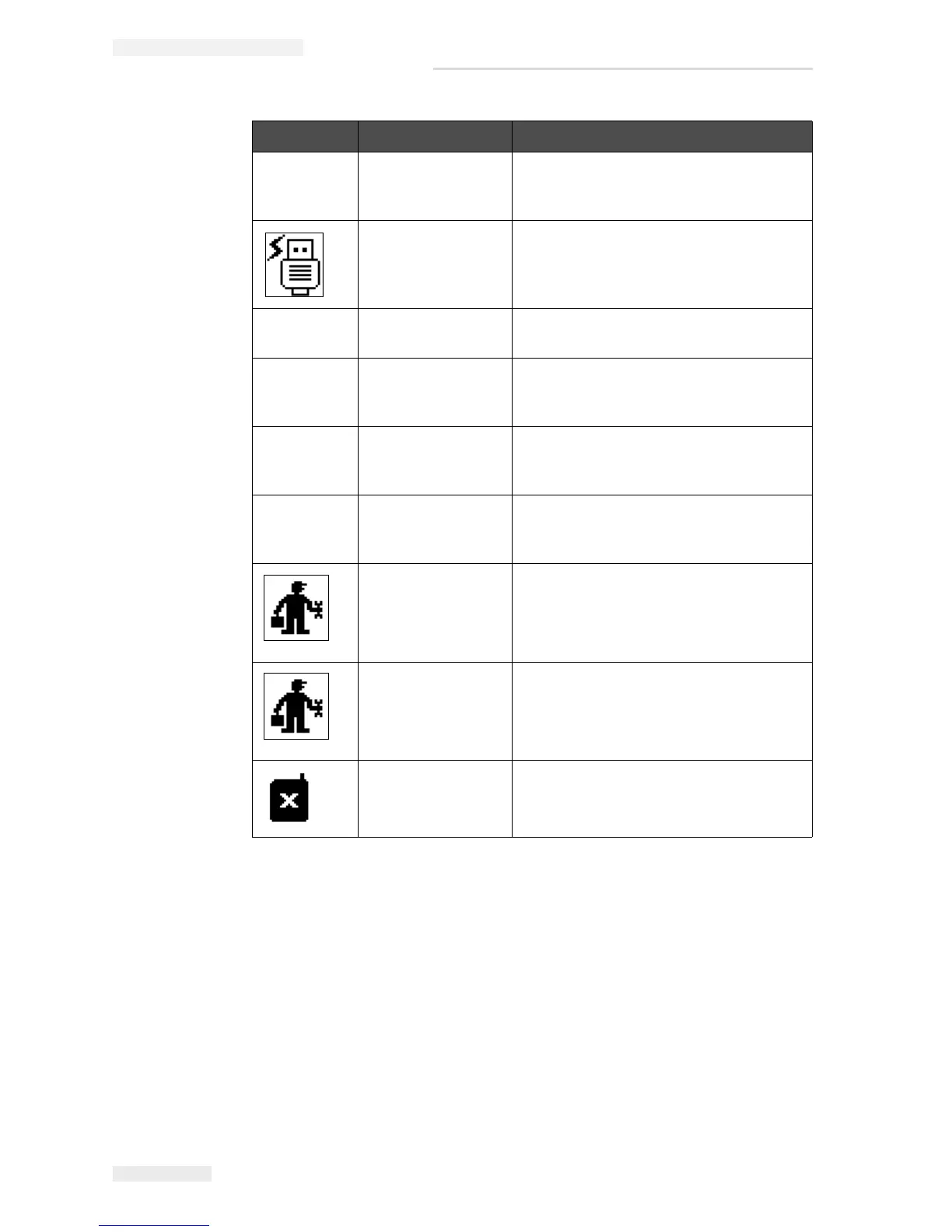
Fault Messages
Fault messages are displayed at the bottom left of the screen to
supplement the printer fault icons. The messages are arranged so that, if
more than one fault is found, only the most serious fault message is
displayed.
- Possible Ink
Coefficient Update
Ink cartridge coefficients do not match
ink core module coefficients. Contact
Videojet maintenance engineer.
USB Connection Is
Over Current
External USB device requesting
excessive current. Contact Videojet
maintenance engineer.
- Suspected Head
Heater Failure
Contact Videojet maintenance engineer.
- Creating Raster
Catalog
Software busy. Raster being replaced.
Cannot print. Contact Videojet
maintenance engineer.
- Bad Nozzle!!!
Please Replace Or
Repair
Contact Videojet maintenance engineer.
- Tank Not Filling Ink core module still LOW after 5
attempts to add ink to increase level.
Contact Videojet maintenance engineer.
DAC Overflow hardware fault. Contact Videojet
maintenance engineer.
DAC Comms Error hardware fault. Contact Videojet
maintenance engineer.
Yellow Beacon
Indicator
Message prompts user to refit cartridge.
Icon Name Remedial Action
Table 7-5: Warning Icons (Continued)


 To Next Page