3-4 Control Panel Rev AA
Videojet 1710 Operator Manual
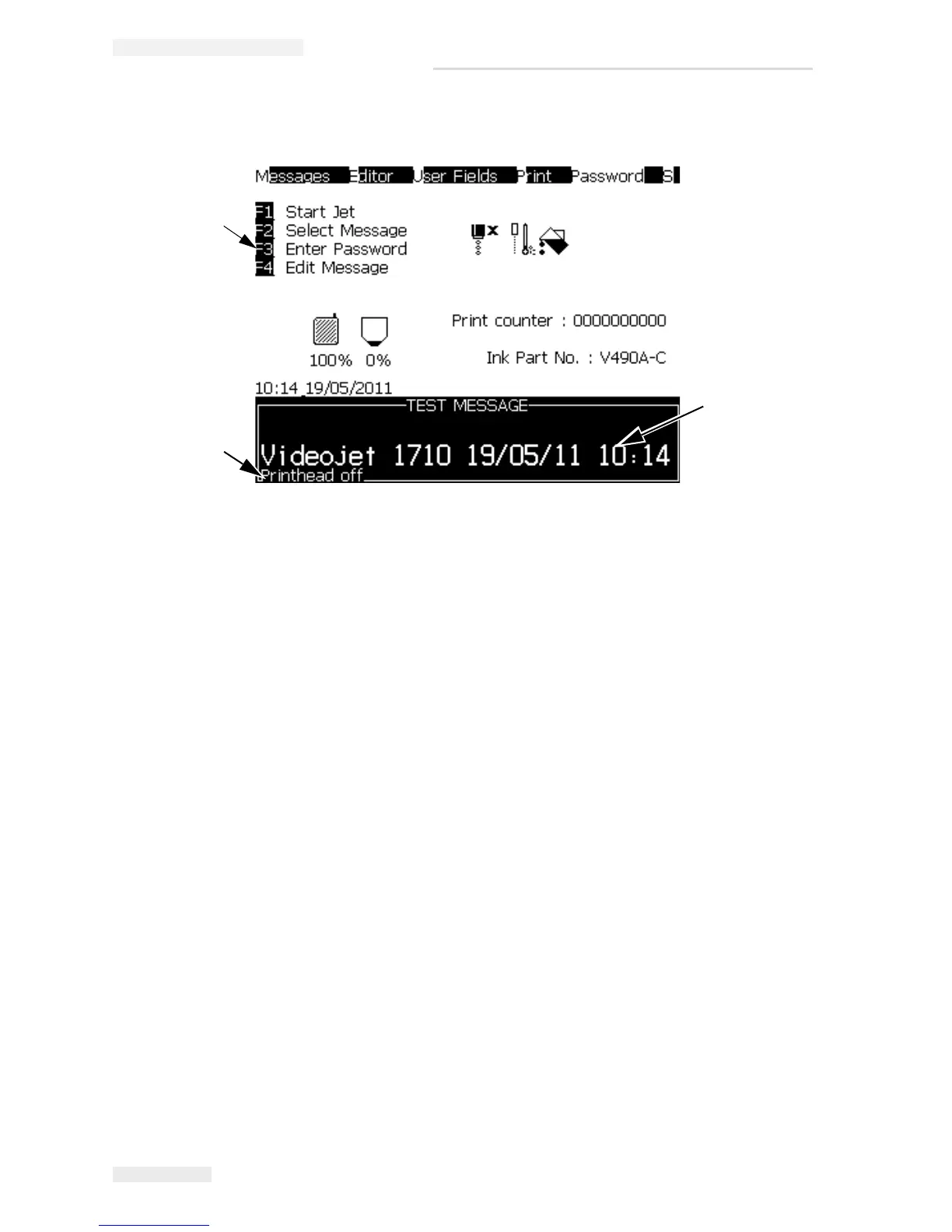
Display Screen
The screen displays the following elements:
• The function key controls.
• The icons that indicate the printer status and fault conditions and the product
counter*.
* When the product counter is enabled, the screen displays the product
counter.
• The name and the content of the message. The content in the display is an
accurate representation of what the printer prints on the product
(WYSIWYG).
• The icons that indicate the ink core level and add ink when the ink core level
displays <20%.
• Ink type. For example: V490.
2
1
3
1. Text Message
2. Fault Messages
3. Control Keys
Figure 3-3: Display Screen



 To Next Page