4-4 How to Clean Start and Stop the Printer Rev AA
Videojet 1710 Operator Manual
Alarms and Warnings Upon Power Restoration
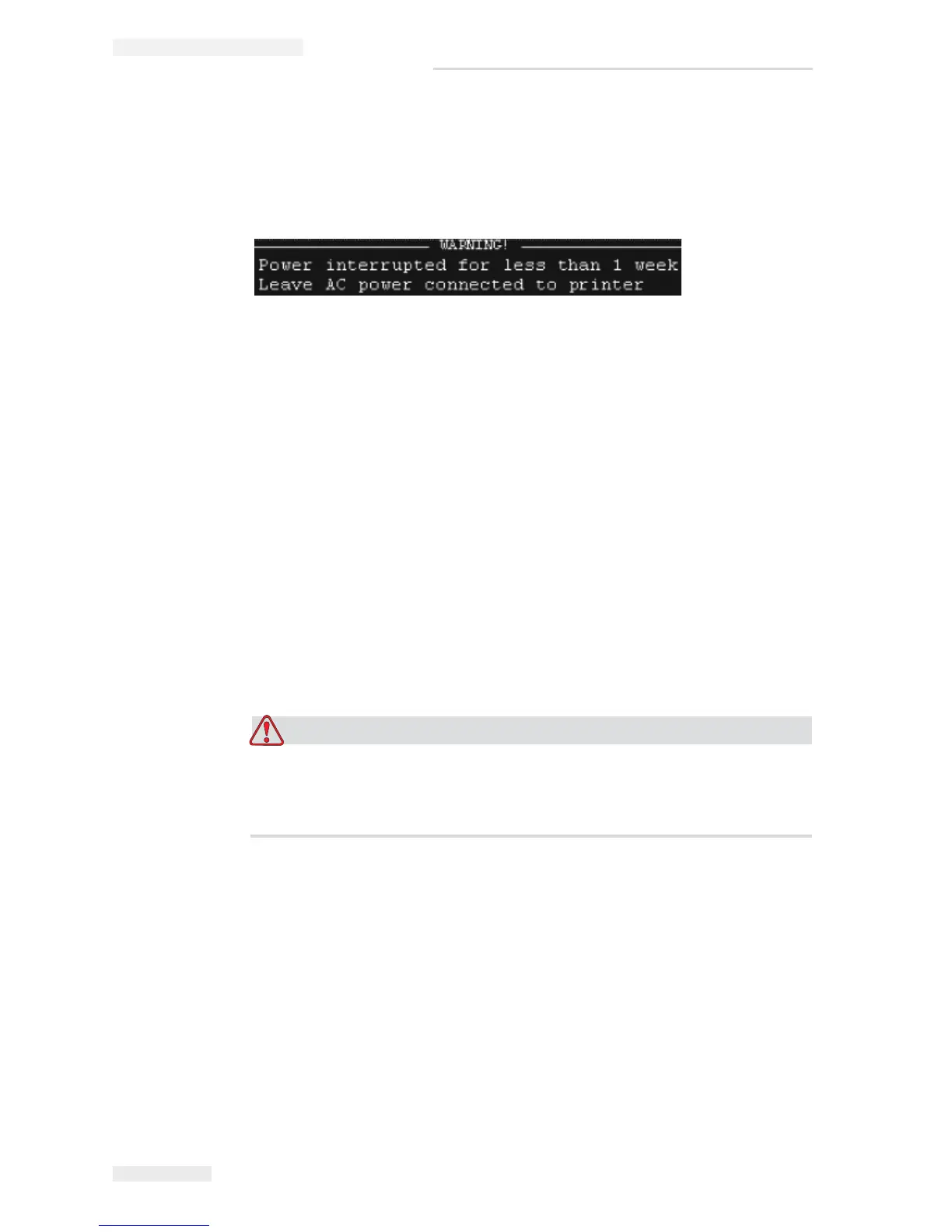
If the ink core is not empty during power-up, alarms or warnings are generated.
For Example, refer
Figure 4-1.This warning is generated when the power is
interrupted from 72 Hours to less than 1 week
If the core is empty, no alarm or warning is generated.You can clear these alarms/
warnings by acknowledging the system prompts.
For more information on Alarms and Warnings that prompts during the power
restoration, refer
“Warnings and Alarms Upon Power Restoration” on page 7-14.
How to Clean Start and Stop the Printer
The default procedures to start and stop the printer are the Clean Start and the
Clean Stop.
Note: If the Clean Start or the Clean Stop are not available, the printer requires a
Quick Start or Quick Stop.The printer cannot provide the Clean Start and the
Clean Stop options if the make-up fluid is empty or if the ink core level is high.
Make sure that the make-up fluid is not empty or the ink core level is not high.
EQUIPMENT DAMAGE. Do not perform the Clean Start or the Clean Stop
many times. The failure to follow this caution can cause high use of flush
and dilution of the ink. The diluted ink decreases the quality of the print.
Note: Make sure that ink mixing is performed before you start the jet.
How to Clean Start
Press the F1 key to start the jet start sequence.
The printer turns on the ink and the ink jet starts.
Note: To stop the ink jet, press the F1 key.
Figure 4-1: Warning upon power restoration



 To Next Page