Rev AA How to Set the Passwords 4-5
Videojet 1710 Operator Manual
How to Clean Stop
Press the F1 key. The printer stops the flow of ink.
How to Set the Passwords
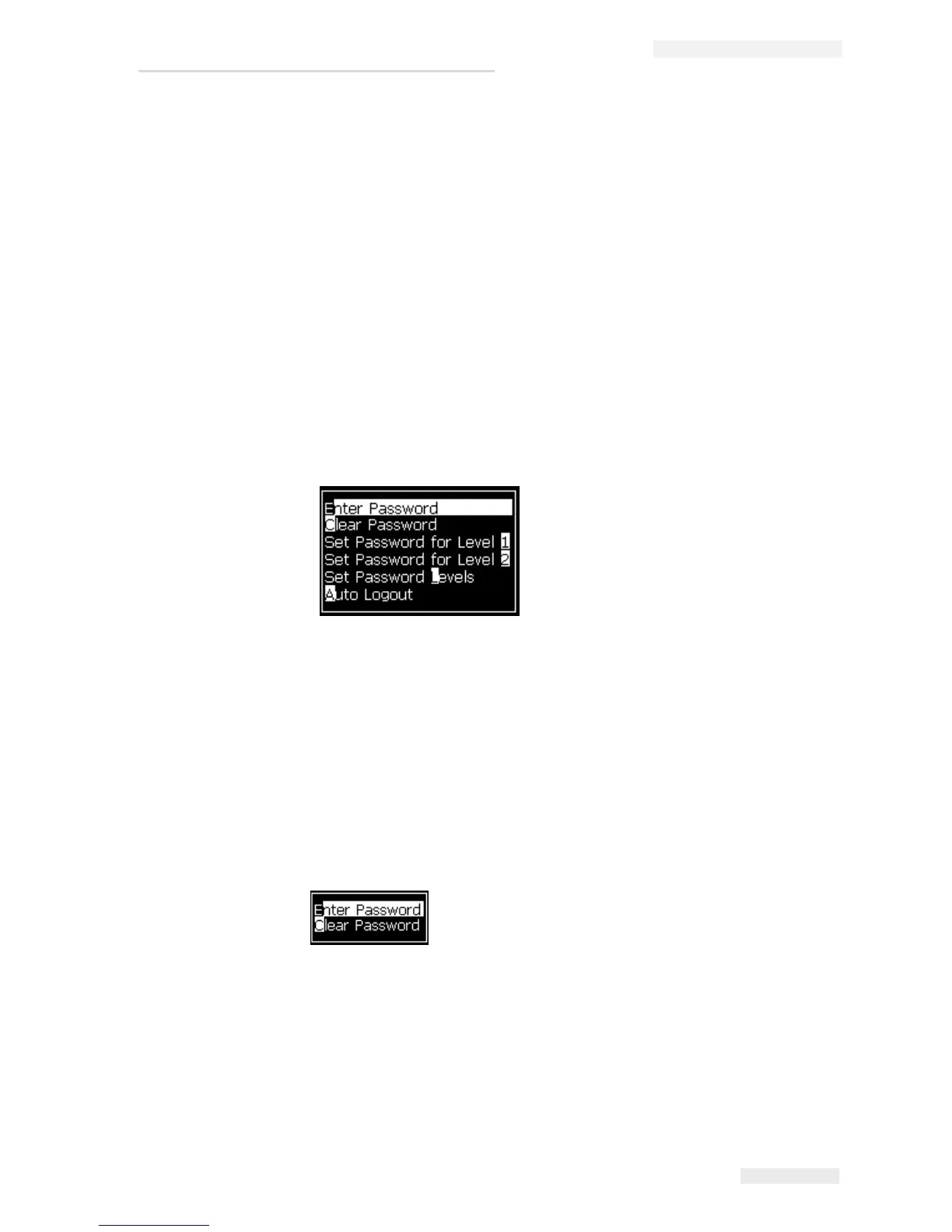
The passwords are set and configured from the Password menu in the UI.
The UI has the following access levels:
• The level 0 is the default password level.
• The levels 1 and 2 are password protected. The customer can configure the
two levels. The customer can use the two levels to access different menus in
the UI. To set the passwords for the two levels, you must access the system at
same access level or one level higher.
How to Login for the First Time
Do the following tasks to login for the first time:
1 Open the Menu screen. The screen appears in level 0 with basic functions.
2 Press Alt + w. Select the Enter Password (see Figure 4-3) option and press the
Enter key. Alternatively, press F3 in the Main screen. The Enter Password
screen appears (see
Figure 4-4).
3 Log in at level 1 (default password = 1111) or level 2 (default password =
2222) password. The current password level changes to selected password
Figure 4-2: Password Menu
Figure 4-3: Enter Password


 To Next Page