Rev AA How to Set the Passwords 4-7
Videojet 1710 Operator Manual
How to Set the Password Levels for Menus
Do the following tasks to set the password levels for the menus available in the
UI:
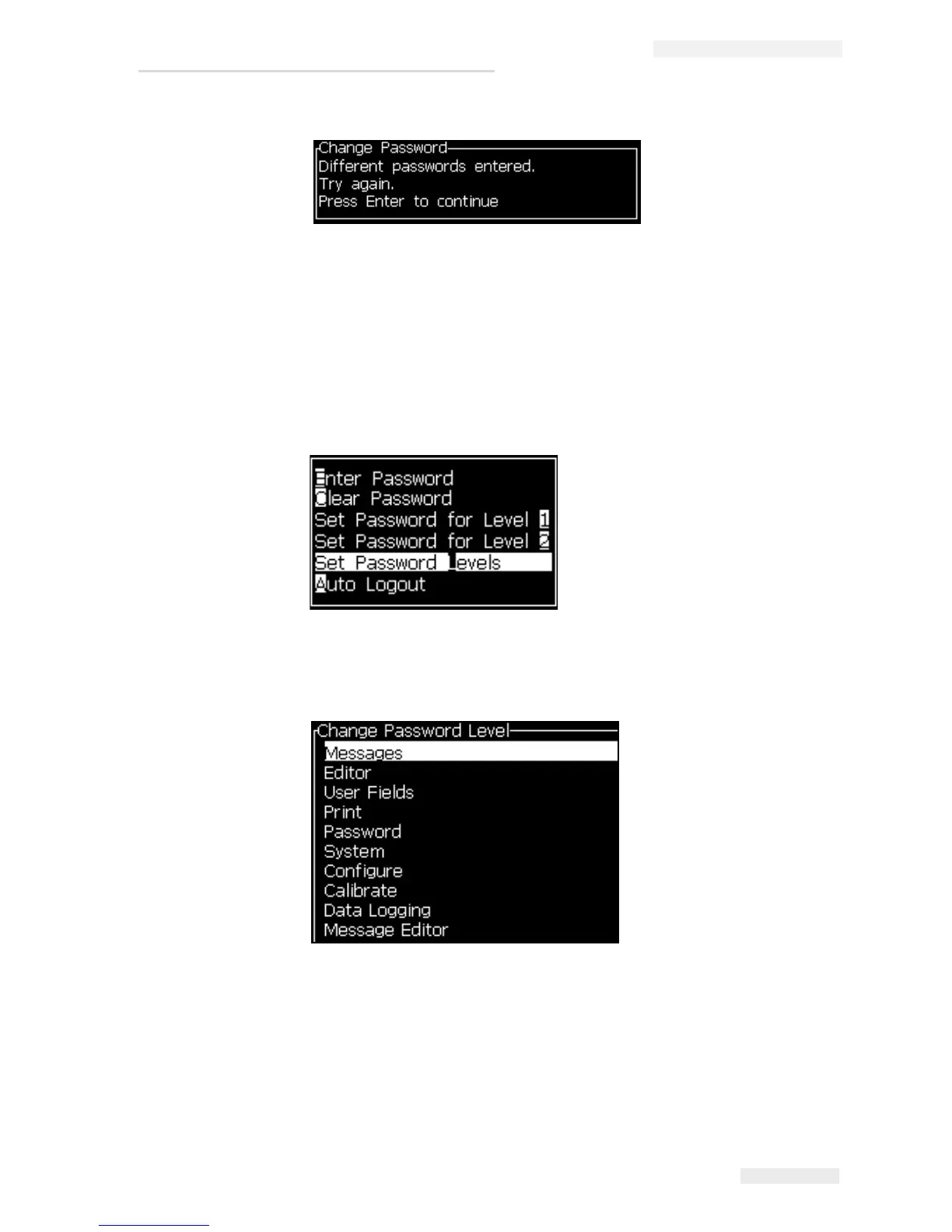
1 Press Alt + w and select Set Password Levels (see Figure 4-9) to open the
Change Password Levels screen (see Figure 4-10 on page 4-7).
Select the menu (see Figure 4-10 on page 4-7) that needs a change in the password
level access and press the Enter key. The Enter New Password Level screen
appears
Figure 4-11 on page 4-8
2 Change the password levels for the different menus and press the Enter key to
save the changes.
Note: The Messages menu is shown here as an example.
Figure 4-8: Change Password
Figure 4-9: Set Password Levels
Figure 4-10: Change Password Level


 To Next Page