4-8 How to Set the Passwords Rev AA
Videojet 1710 Operator Manual
3 Press the Esc key to go to the menu screen.
How to Access Other Password Levels
Do the following tasks to access other password levels:
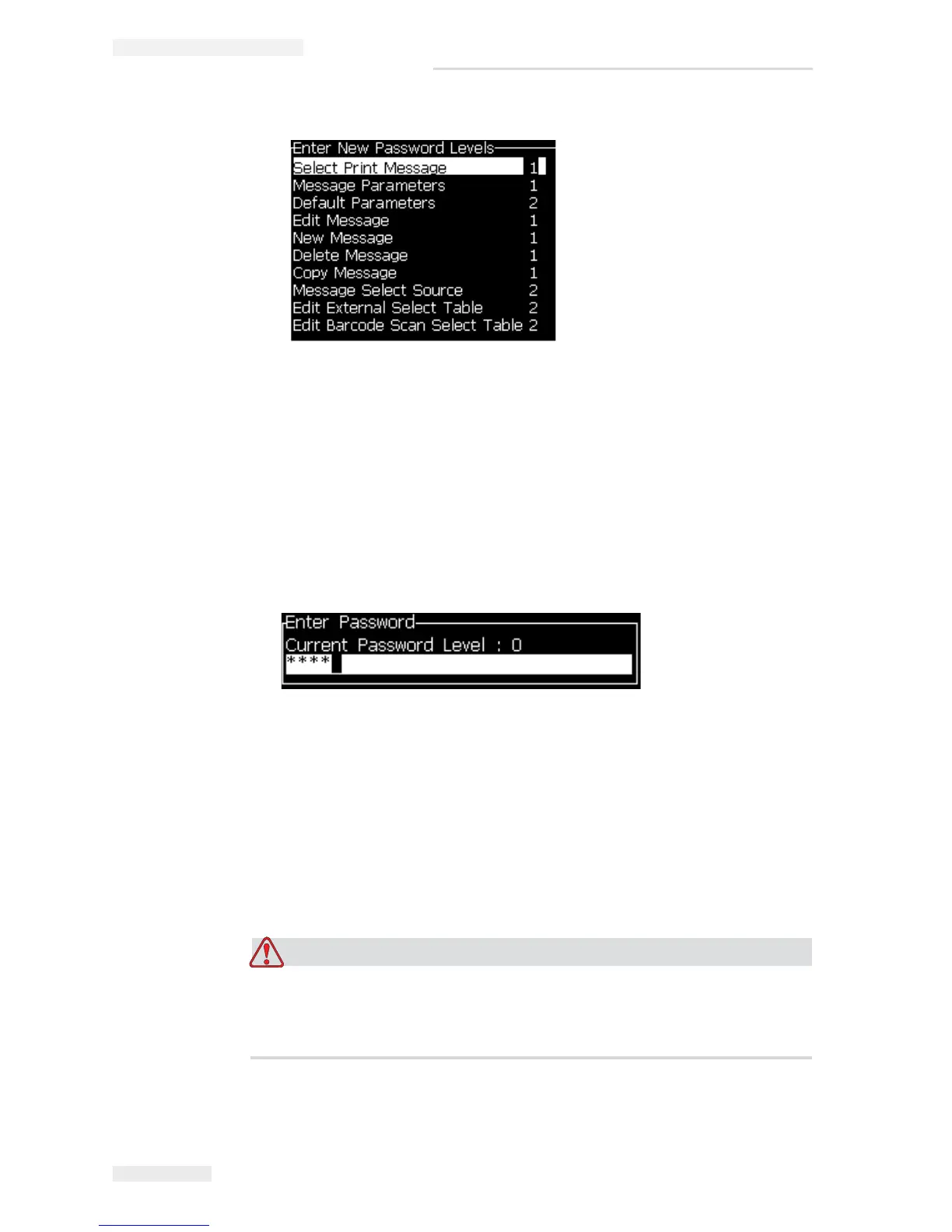
1 Press Alt + w and select the Enter Password option from the Password menu.
Alternatively, press F3 in the Main screen. The Enter Password dialog box
appears (see Figure 4-12).
2 Enter the password for the feature level you must access. The current access
level used is shown at the top of the dialog box.
You can use all the menu options that are set at this password level or below
that level.
How to Clear the Password
RISK OF UNAUTHORIZED ACCESS. To prevent unauthorized access to
the software, make sure that you do Clear Password when you exit from a
higher level.
Press Alt + w and select Clear Password (see Figure 4-13) to clear the password
for the access level used at this time and return to password level 0.
Figure 4-11: Enter New Password Levels
Figure 4-12: Enter Password Dialog Box


 To Next Page