Rev AA How to Set the Passwords 4-9
Videojet 1710 Operator Manual
Note: The password is not deleted, but the user access is reset to the lowest
privilege level from the current level.
Auto Logout
If this feature is enabled, the UI prompts for a password at level 0 and all access
levels above level 0.
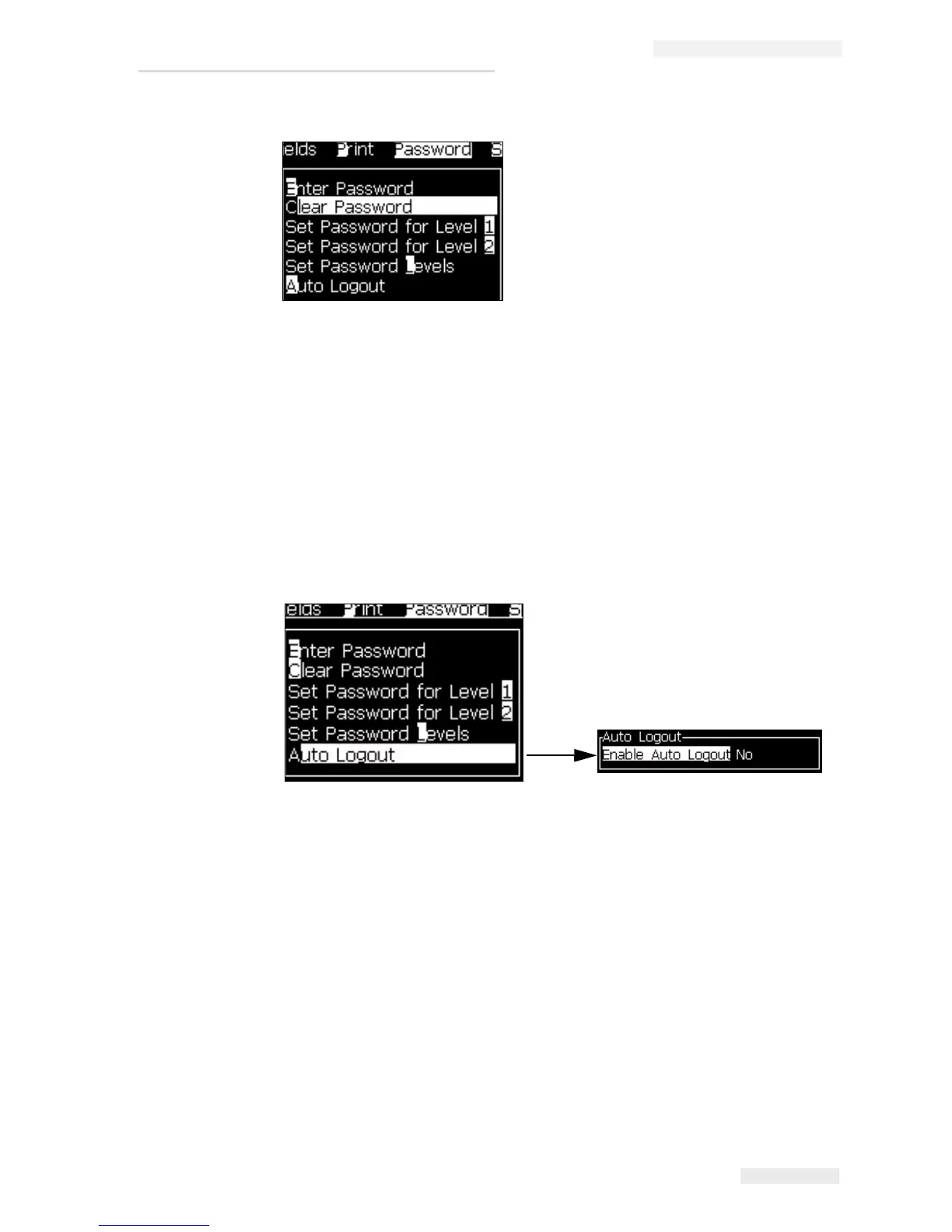
Press Alt + w. Select Auto Logout (see Figure 4-14 on page 4-9) and press Enter.
Use the Right or Left key to select Yes or No.
Figure 4-13: Clear Password Option
Figure 4-14: Auto Logout Option


 To Next Page