4-14 Run Hours Rev AA
Videojet 1710 Operator Manual
Run Hours
How to View Run Hours
To see the number of hours that the printer and ink pump have run:
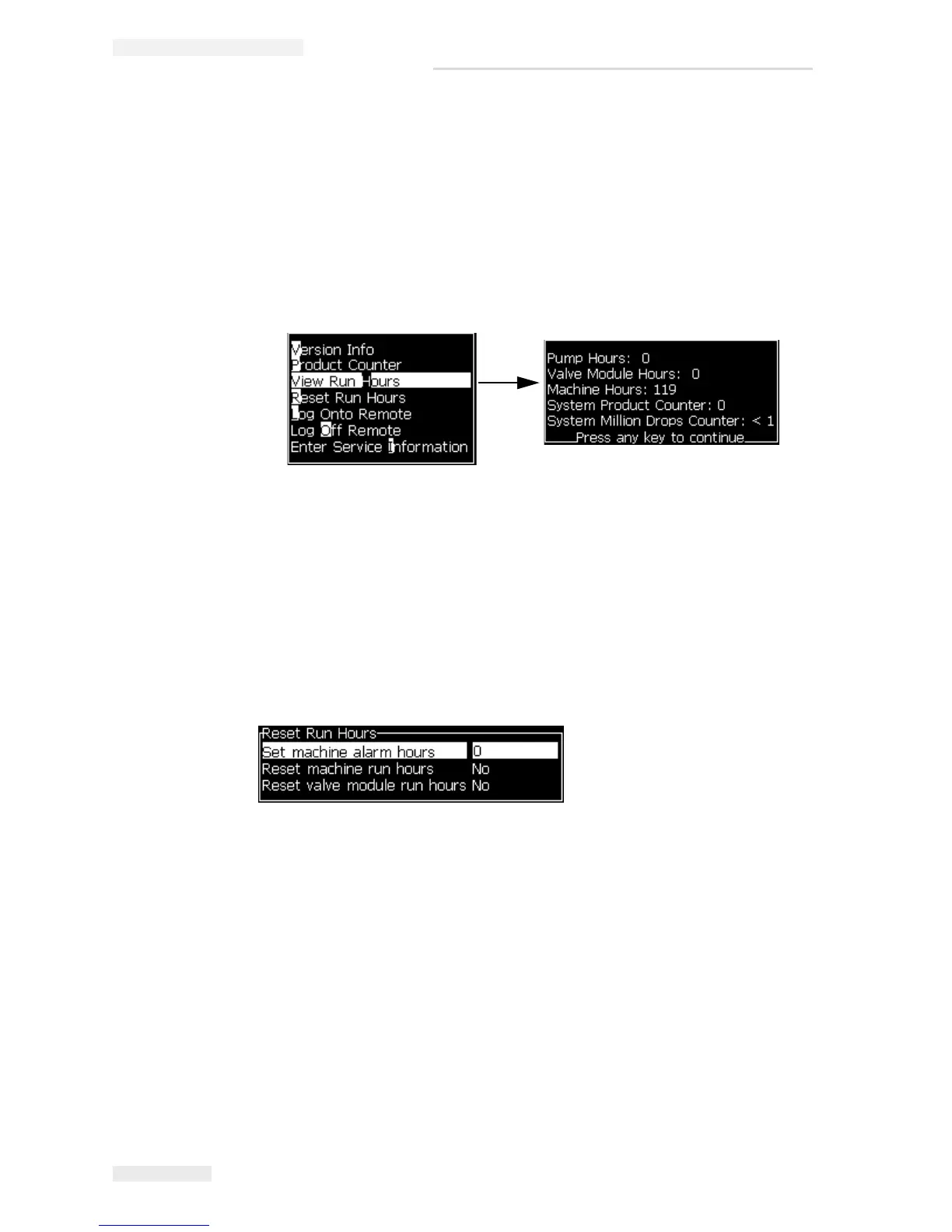
1 Select View Run Hours (see Figure 4-18) from the Data Logging menu. The
run hours dialog box appears.
2 Press any key to close the Run Hours dialog box and return to the Menu
screen.
How to Reset Run Hours
The running hours must be reset only under special conditions like the ink pump
and gutter valve module replacement and trained service personnel only must
perform this operation.
Figure 4-18: View Run Hours
Figure 4-19: Reset Run Hours


 To Next Page