Rev AA Ink Addition 4-25
Videojet 1710 Operator Manual
Note: You can clear these warnings by closing the warning and can continue
using the printer, but the warning remains in the warning screen and the
beacon indicates in amber color.
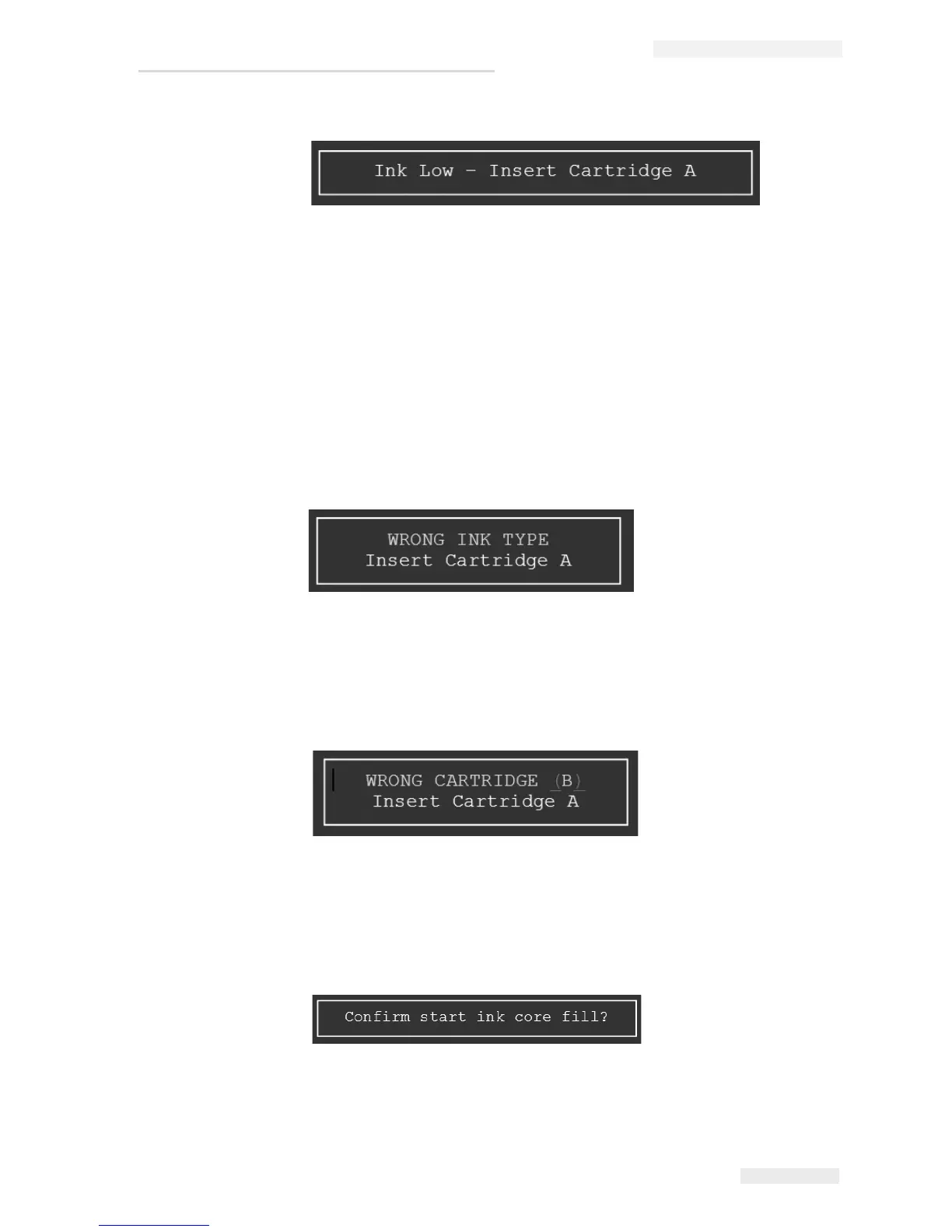
2 Insert a new ink cartridge A. The printer initiates Fill Ink Core sequence
automatically after the ink cartridge is installed.
Note: The user can also start the ink fill sequence manually through the UI.
3 If the inserted cartridge is of the wrong ink type, the printer prompts the
following message.
Note: Press Esc to abort the procedure.
4 If the inserted cartridge is of the type B, the printer prompts the following
message.
Note: Press Esc to abort the procedure.
5 When the correct ink cartridge is inserted, a message appears prompting the
user to confirm start ink core fill.
6 Press Enter to proceed with ink fill. Else, press Esc to abort the procedure.
Figure 4-35: Insert Cartridge A
Figure 4-36: Wrong Ink Type
Figure 4-37: Wrong Cartridge B
Figure 4-38: Confirm Ink Fill



 To Next Page