4-26 Ink Addition Rev AA
Videojet 1710 Operator Manual
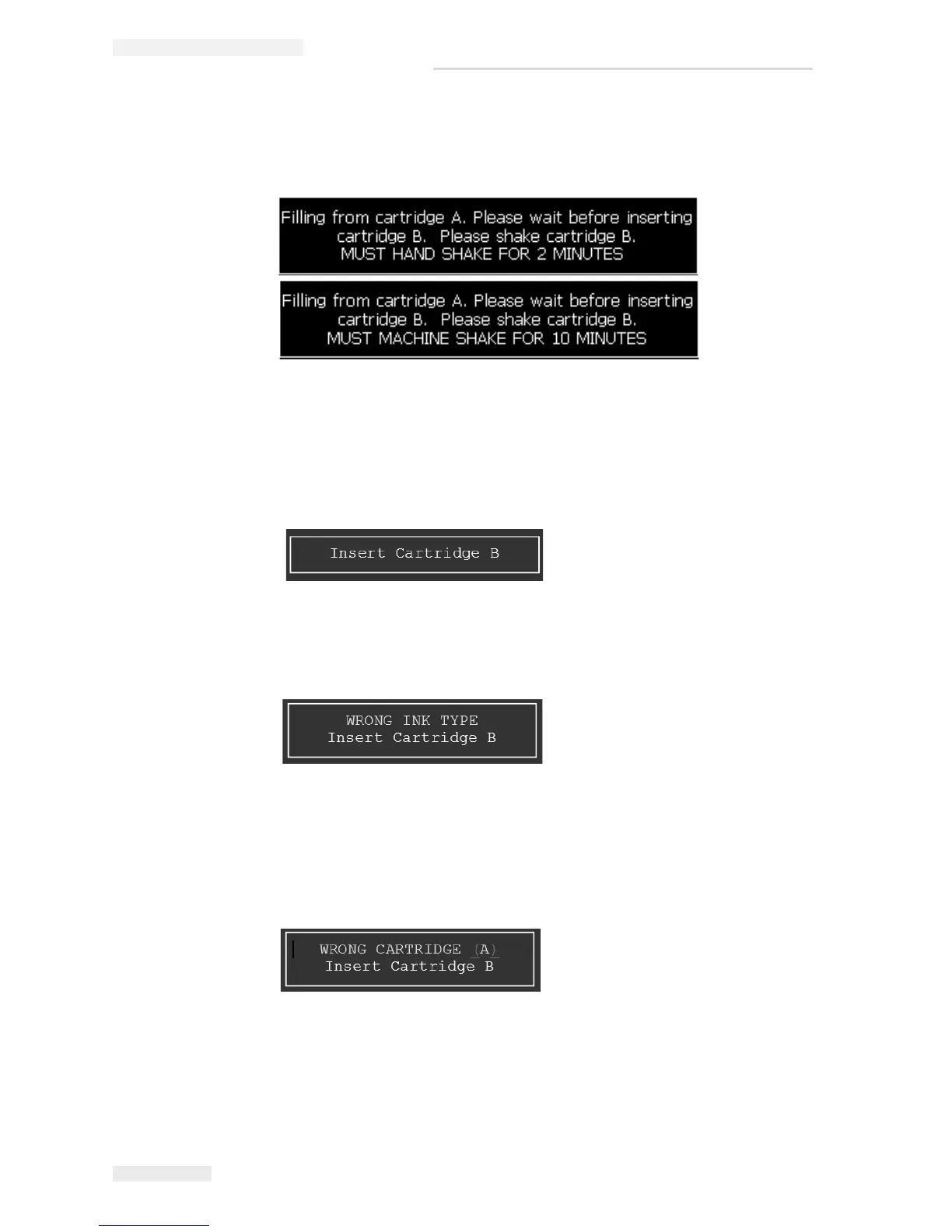
7 Once the ink fill starts, the printer prompts one of the following message
depending on the ink type.
Note: The user cannot cancel the message.
8 Once ink filling from Cartridge A is completed, the printer prompts for
cartridge B.
9 If the inserted cartridge is of the wrong ink type, the printer prompts the
following message.
Note: Press Esc to abort the procedure.
10 If the inserted cartridge is of the type A, the printer prompts the following
message.
Note: Press Esc to abort the procedure.
11 When the correct ink cartridge is inserted, a message appears prompting the
user to confirm if the ink cartridge has been shaken.
Figure 4-39: Filling from Cartridge A
Figure 4-40: Insert Cartridge B
Figure 4-41: Wrong Ink Type
Figure 4-42: Wrong Cartridge A



 To Next Page