Rev AA How to Print Messages 4-27
Videojet 1710 Operator Manual
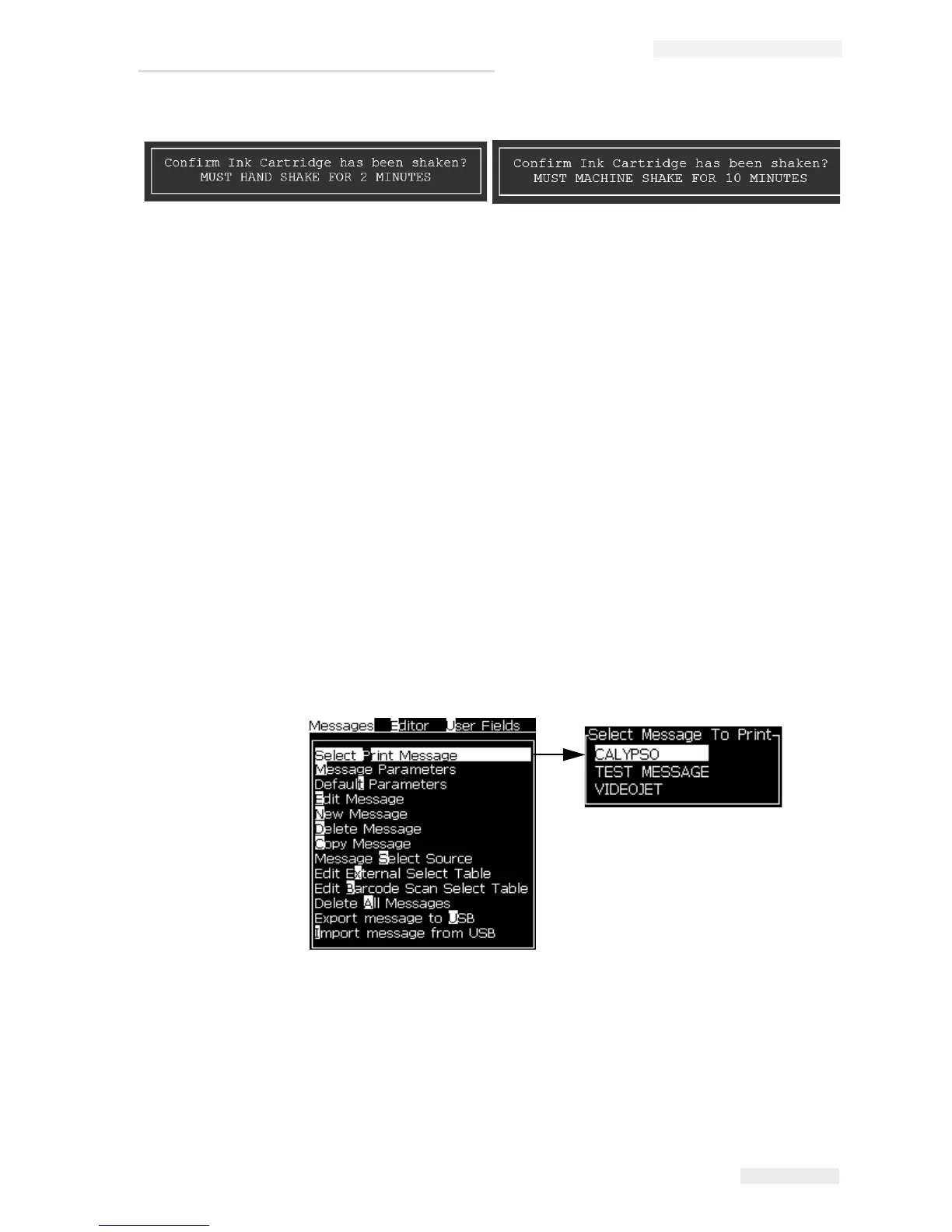
12 If the ink cartridge has been shaken as prompted, press Enter to proceed with
ink fill.
13 The ink level increases and the ink core level will be 100%.
How to Print Messages
You must select a message before you start the printing process.
How to Select a Message
The Menu screen displays the message that is ready for printing in a box at the
bottom of the screen. The name of the message is seen at the top of the box and a
preview of the message in the box.
Do the following tasks to select a message:
1 Open the Messages menu and select the Select Print Message option. The
Select Message to Print dialog box appears.
2 Press the Up arrow key or the Down arrow key to highlight the required
message. The highlighted message is shown in the WYSIWYG part of the
display.
Note: You can enter the name of the message that you selected to print. The
selector bar automatically highlights the required message.
Figure 4-43: Confirm Cartridge Shaken
Figure 4-44: Select Print Message



 To Next Page