4-30 How to Install and Print Custom Fonts Rev AA
Videojet 1710 Operator Manual
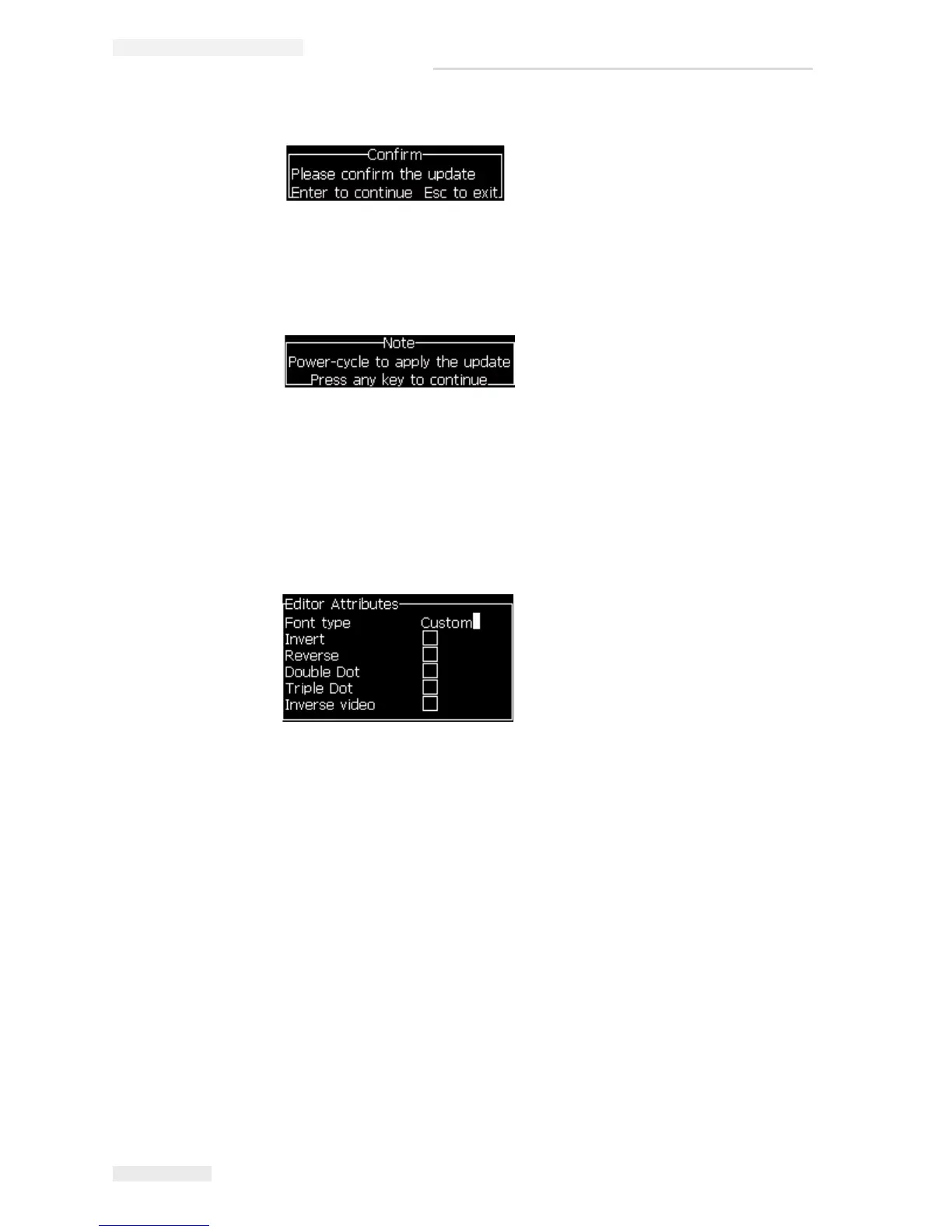
6 Press the Enter key. The following message appears in the display screen.
Note: User must wait for few seconds until the note appears to power cycle
the printer.
7 Power cycle the printer to apply the updates.
Create and Print a Message
Do the following tasks to create and print a message using custom font:
1 Press the F3 key (while in the Editor Screen) for the Editor Attributes screen
to appear.
2 Select the Font type as Custom and press the Enter key.
3 Press the F1 key to select the custom font.
Note: Set the font height to match the custom font height.
4 Enter the message in the message editor.
5 Press Shift + F1to save and exit.
Note: Select message to print, if the message is not loaded.
Figure 4-45: Editor Attribute



 To Next Page