Rev AA Introduction 5-1
5
User Interface
Introduction
This chapter describes how you can use the user interface (UI) to do the following
tasks:
• Create messages
• Edit messages
• Save messages
• Create user fields
The UI contains the following screen:
Menu Screen
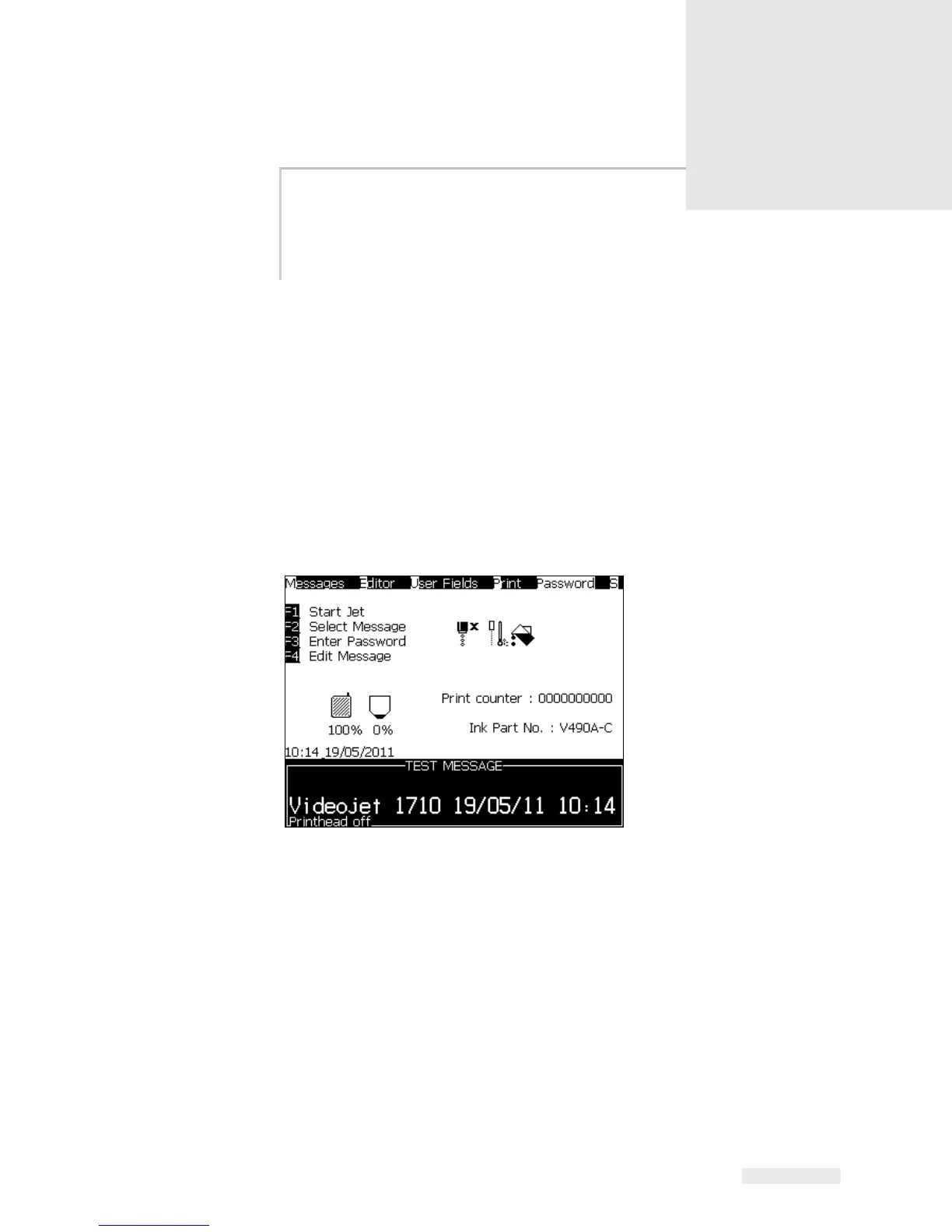
When you login, the first screen that appears is Menu screen. The Menu screen
has a row of menus along the top of the screen. The menus give quick and easy
access to the different functions of the printer. You can see only five menus in the
screen (see
Figure 5-1), press the Left arrow key or Right arrow key to access the
other menus.
To Select the Menus and Items
To select the menus, and the items in the menus, you can use either the arrow keys
or the short cut keys.



 To Next Page