5-2 Introduction Rev AA
Videojet 1710 Operator Manual
Arrow Keys
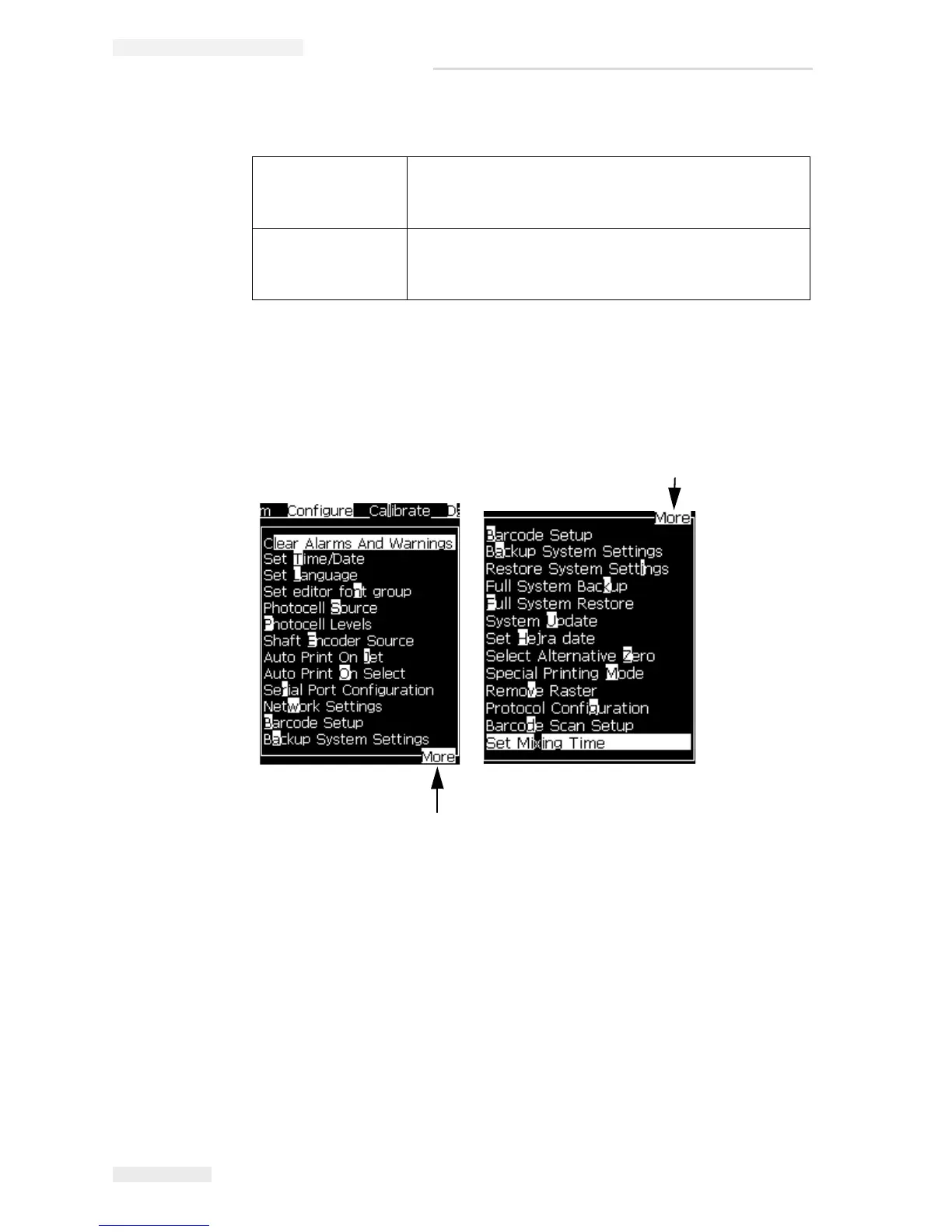
Note: If there are many items on the menu to display on screen, the label More
appears next to the top or bottom of the menu. For example, refer to
Figure 5-2.
This label indicates that more menu entries are available above, or below the
items that are displayed now. Press the Up arrow key
or Down arrow key to scroll
through the items.
To select a menu:
1. Press the Left arrow key or Right arrow key until the
menu is highlighted.
2. Press the Enter key.
To select an item
from a menu:
1. Press the Up arrow key or the Down arrow key until
the required item is highlighted.
2. Press the Enter key.
More Tag
Figure 5-2: The More Tag
More Tag



 To Next Page