Rev AA Menu Description 5-7
Videojet 1710 Operator Manual
Message Select
Source*
(standard for
Videojet 1710)
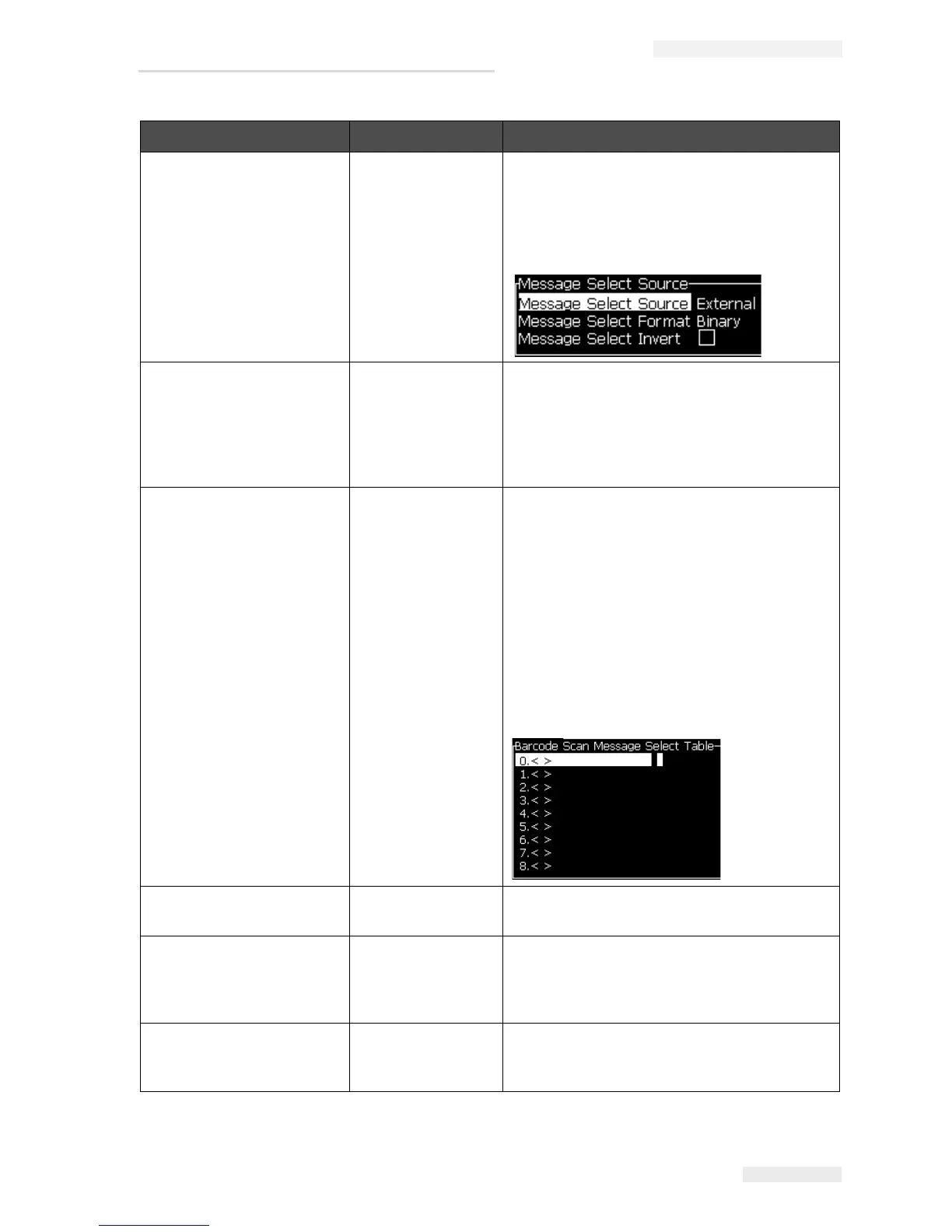
Opens the Message Select Source dialog box,
with options Internal or External. For External
option, you can select the format Binary or
BCD and use the inverted function to invert
(high to low) the data. Use the options to
configure how the inputs are read.
Edit External Select
Table*
(standard for
Videojet 1710)
Opens the External Message Select menu.
Enter the names of the messages to be
available to the external source. The external
message names can be added, edited and
deleted. Press the F2 key to select message
names from a list of those available.
Edit Barcode Scan
Select Table
Opens the Barcode Scan Message Select
Table dialog box. The Barcode Scan Select
table works in conjunction with the External
Message Select table (refer
“To Select the
Source for a Message” on page 5-21). The
user configures the External Message Select
table to map message names to an index
number in the range 00 to 99. The user
configures the Barcode Scan Select table to
map each index number to a sequence of
characters (numbers or letters) which may be
received from a connected barcode scanner.
Delete All
Messages
Deletes all internal messages.
Export message to
USB
You can transfer a single message and all the
resources it uses (if you want to take the
messages to another printer to print) from the
printer to an USB stick.
Import message
from USB
You can transfer a single message and all the
resources it uses from the USB stick to the
printer.
Messages Menu Commands Function
Table 5-3: Messages Menu and Commands (Continued)


 To Next Page
 Loading...