5-14 Menu Description Rev AA
Videojet 1710 Operator Manual
Configure
Configure Menu Commands Function
Clear Alarms and
Warnings
Allows to clear the alarms and warnings that
appear on the UI.
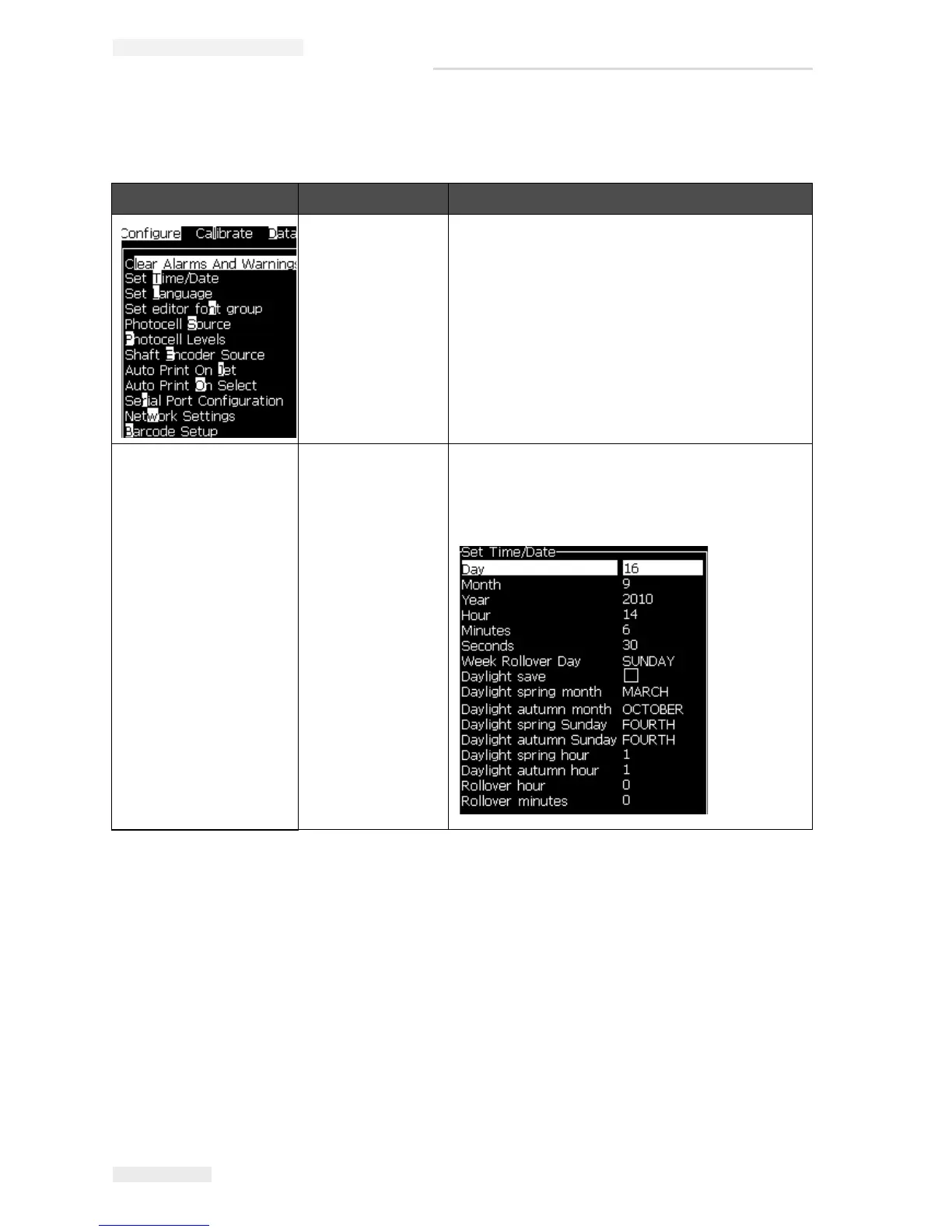
Set Time/Date Allows the Real Time Clock (RTC) in the printer to
be set to the local time and date. Opens the Set
time/date menu. The parameters that can be set
are: Day, Month, Year, Day number, Hour,
Minutes, Seconds.
Table 5-9: Configure Menu and Commands



 To Next Page