Press [SETUP] to leave the Setup Menus and display the New Menu.
NOTE: To cancel the delete function without deleting any events, press [SETUP] to
return to the second Setup menu, then press [SETUP] again to return to the EDL.
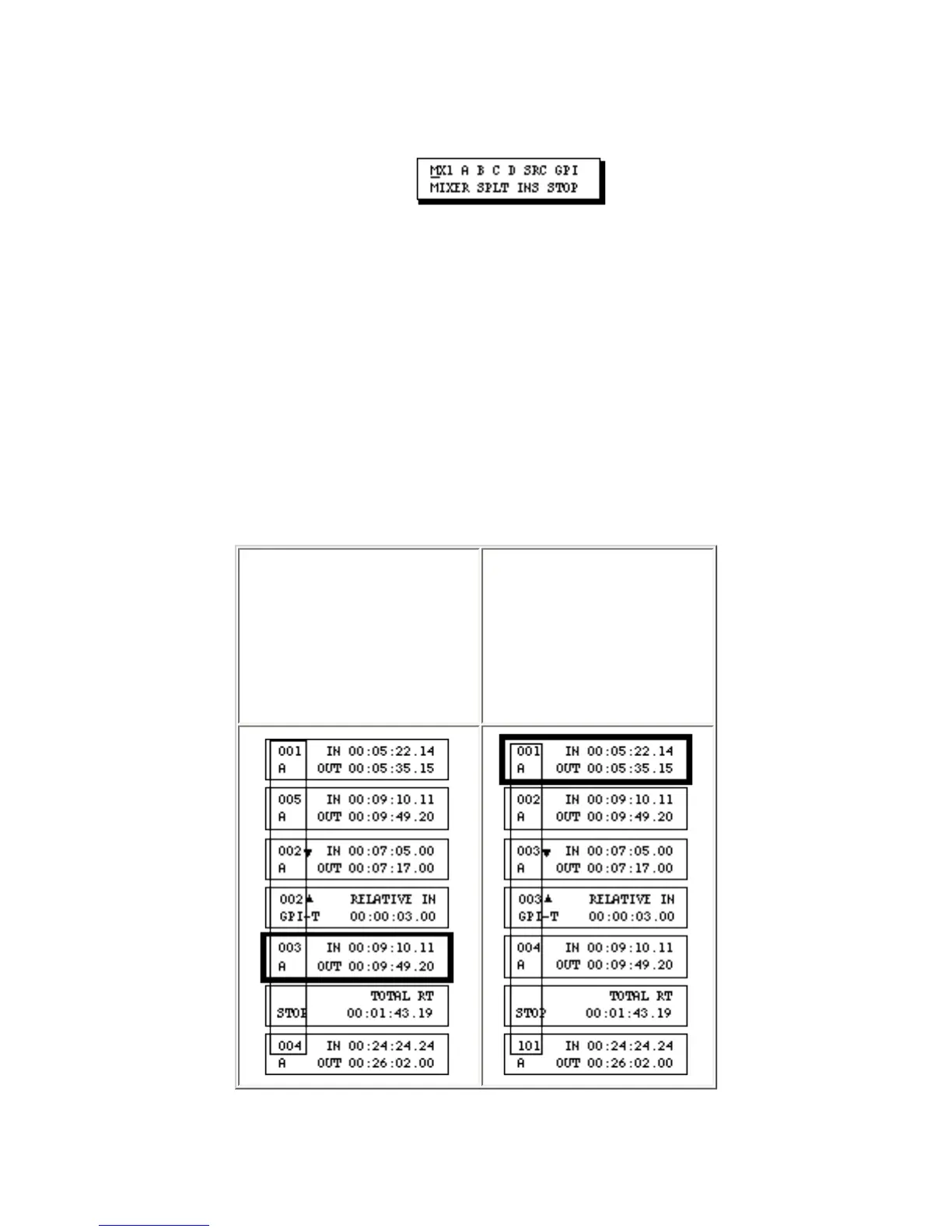
Renumbering all Events in the EDL
After deleting, moving and copying events, the event numbers in the EDL will probably be out of a
numerical sequence. Although this poses no problem for Edit Suite, you may want the event numbers to
be in sequential order. To do this–
1. From
anywhere in the
EDL, press [GO
TO]+ [SHIFT]
+[CHG].
2. The events are
renumbered in a
numerical
sequence.
Events are renumbered beginning with number 001.



 To Next Page