13
12
Geing started
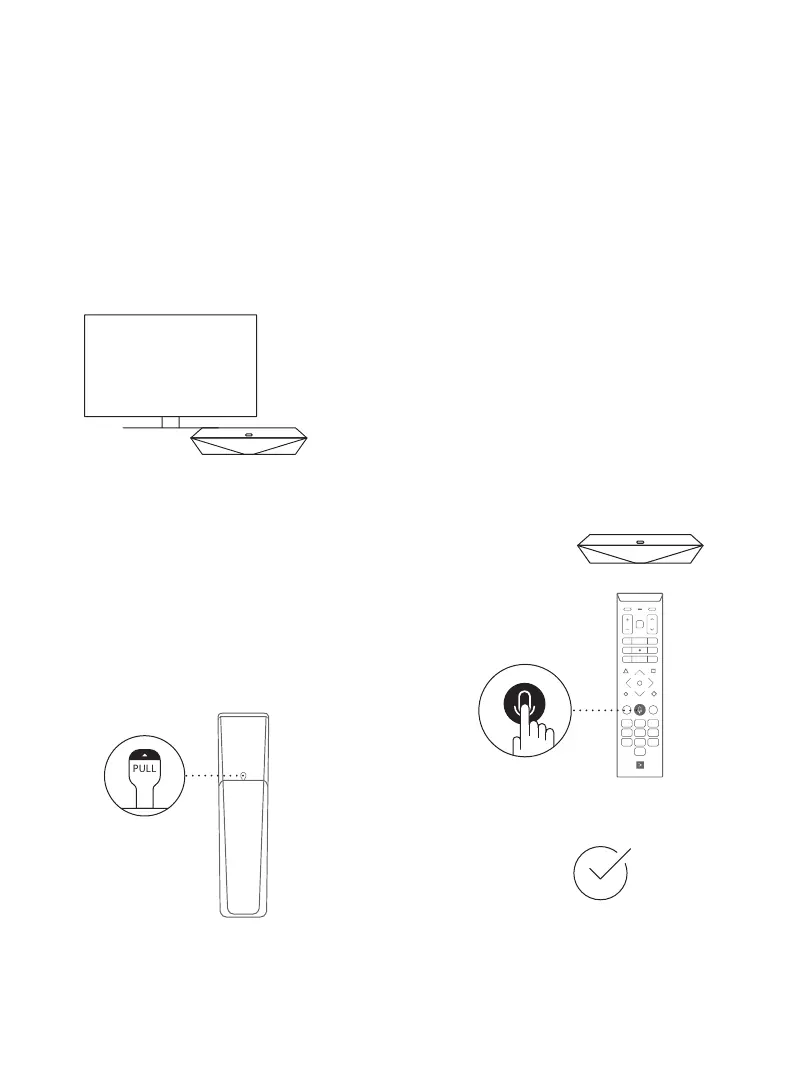
1. Turn on your TV.
Turn on your TV with the TV remote
and select the correct HDMI source.
2. Remove the tab.
Remove the plastic tab on the back
of the voice remote.
Your Voice remote
is now operaonal!
3. Program your
Voice remote.
Program your Voice remote to use it with
your TV or sound system and enjoy all
voice command features.
Point your Voice remote toward your
Helix TV terminal and press the
Microphone button.
Follow the instructions on the screen.


 To Next Page