12
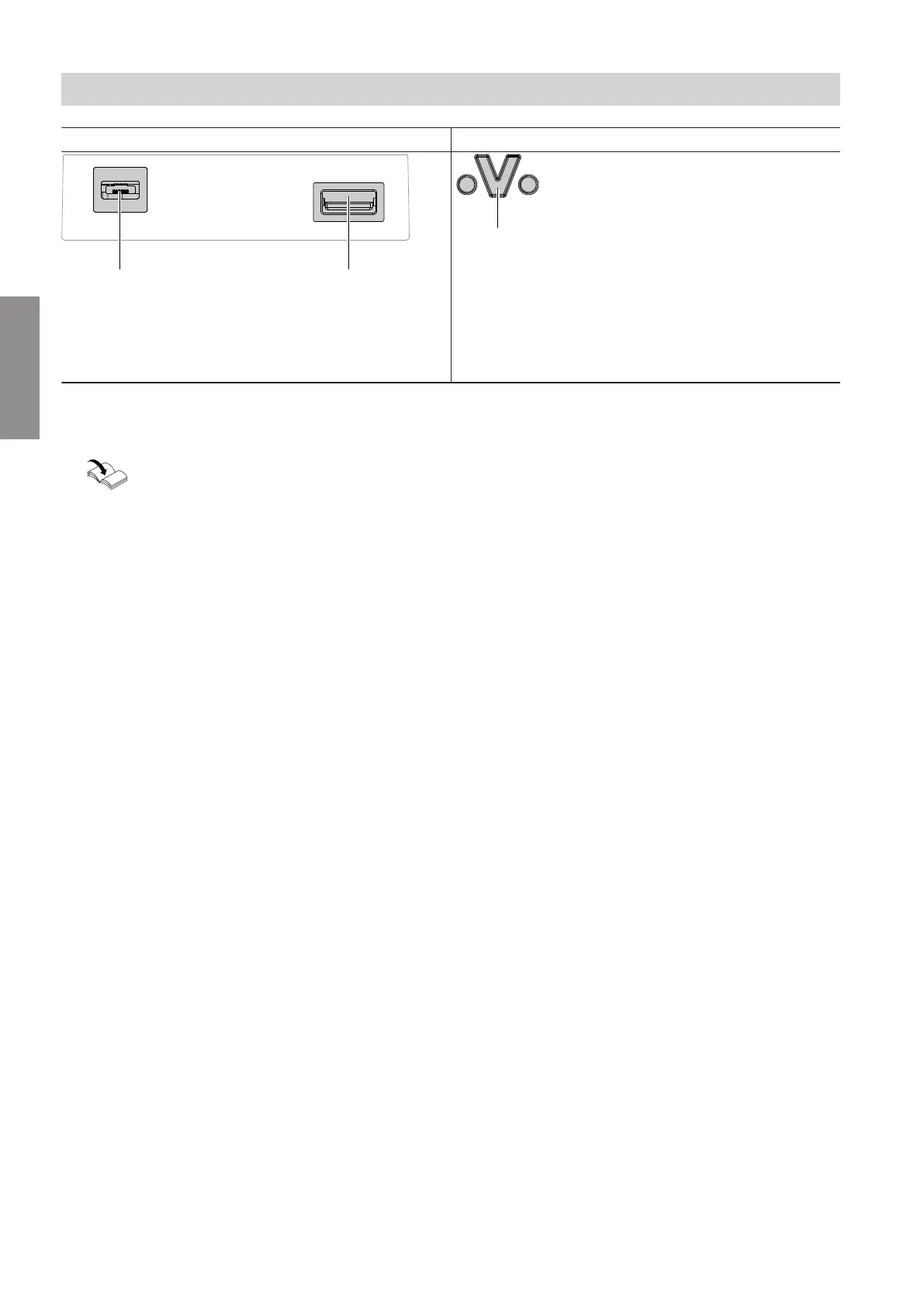
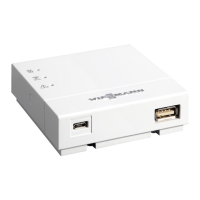
At the Vitoconnect 100, view from below At the control unit of the heat source
A
Micro USB for power supply from plug-in power
supply unit
B
For connecting lead Optolink/USB
A
For connecting lead Optolink/USB
1. Connect the Vitoconnect 100 to the heat source
using the Optolink/USB connecting lead.
Cable routing in the heat source:
Heat source documentation
2. Insert the plug-in power supply unit with power
cable into the standard socket.
Electrical connections
Electrical connections
5785 665 GB
Installation


 To Next Page