EasyManua.ls Logo

Viessmann VITOCONNECT 100 - User Manual

Viessmann VITOCONNECT 100
24 pages
Print Icon
To Next Page IconTo Next Page
Loading...
Operating instructions
for the system user
VIESMANN
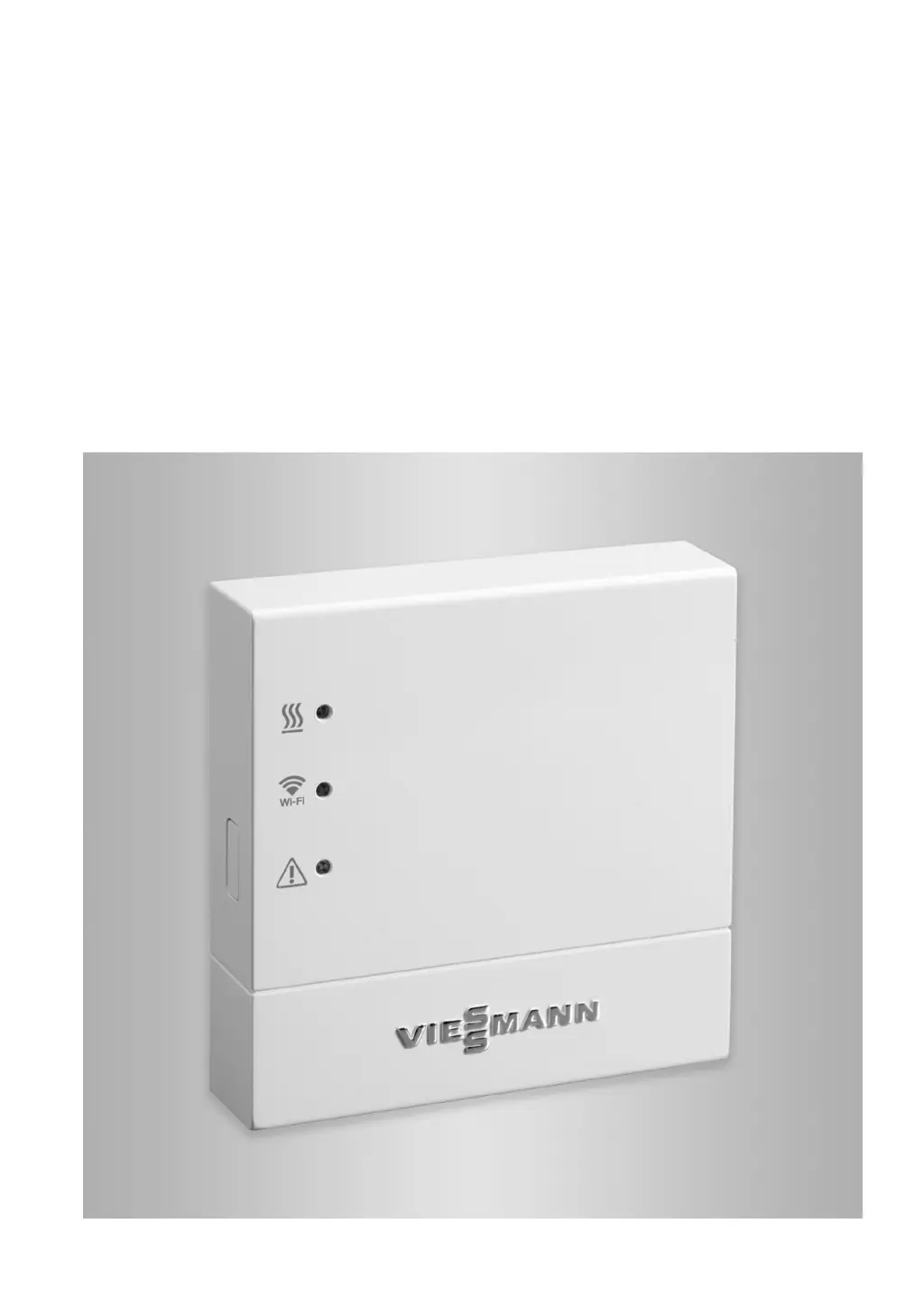
Vitoconnect 100
Type OPTO1
Communication interface for remote monitoring and control of heating systems via
the internet, for the following user interfaces:
ViCare app
Vitoguide
VITOCONNECT 100
5785665 GB 4/2019
Please keep safe.

Other manuals for Viessmann VITOCONNECT 100

Questions and Answers

  • R
    Rachel MillerJul 28, 2025
    What to do if my Viessmann Recording Equipment flashes red with no internet connection?
    • J
      julie63Jul 29, 2025
      If your Viessmann Recording Equipment flashes red, indicating no internet connection, you can take several steps: * Verify the network settings you entered during WiFi commissioning. * Double-check the WiFi password entered during commissioning. * Assess the WiFi signal strength. If it's insufficient, try relocating the Vitoconnect 100. * Test your internet connection using another device, such as a laptop. * If needed, consult an IT expert to review your network settings.
  • A
    Aaron KimAug 3, 2025
    How to troubleshoot if all indicators on my Viessmann Vitoconnect 100 Recording Equipment are off?
    • R
      richard91Aug 3, 2025
      If all indicators on your Viessmann Vitoconnect 100 are off, the first step is to check the power supply and the plug-in power supply unit to ensure they are properly connected and functioning.
  • L
    Lauren TaylorAug 9, 2025
    Why is my Viessmann Recording Equipment flashing red and pulsating yellow with no internet connection?
    • K
      Kevin CoxAug 9, 2025
      If your Viessmann Recording Equipment flashes red and the LED pulsates yellow, and there is no internet connection, the issue might be related to your WiFi password. Check the WiFi password for your home network and re-enter it to ensure it is correct.
  • S
    Sabrina WalkerAug 15, 2025
    How to fix a Viessmann Recording Equipment when it flashes red and has no connection to the boiler?
    • L
      lwilliamsonAug 15, 2025
      If your Viessmann Recording Equipment flashes red, indicating no connection to the boiler, check the plug-in connections (Optolink, USB) and the cable.
  • D
    Danielle HardingAug 21, 2025
    What to do if my Viessmann Recording Equipment flashes red due to a fault at the control unit of the heat source?
    • L
      Linda ArmstrongAug 21, 2025
      If your Viessmann Recording Equipment flashes red because of a fault at the control unit of the heat source, note the message displayed in the ViCare app.

Summary

Vitoconnect 100 Introduction

Safety Instructions

Installation and Adjustment Safety

Precautions for electrical work and connections.

Operation and Component Safety

Guidelines for device operation and auxiliary parts.

Safety and Liability Details

Product Information

App-Based Operation

Using the ViCare App

Details on controlling the heating system via the ViCare mobile application.

Preparation for Installation

System and Network Requirements

Essential prerequisites for installation and operation.

Installation and Commissioning Sequence

Overall Process Overview

A summary of the steps involved in installation and commissioning.

Commissioning Procedures

Device Display and Controls

Explanation of the device's physical controls and indicators.

Interpreting LED Status Indicators

Guide to understanding the meaning of different LED light signals.

User Registration and System Setup

Process for creating an account and configuring the heating system.

Control Functions

Access Point Mode Management

How to enable and disable access point mode.

Activating and Deactivating Access Point Mode

Specific steps for managing the access point function.

Troubleshooting Guide

Fault Identification via LED Indicators

Diagnosing issues based on LED signals and corresponding measures.

Technical Specifications

Vitoconnect 100 Specifications

Detailed technical data for the Vitoconnect 100 unit.

Viessmann VITOCONNECT 100 Specifications

General IconGeneral
BrandViessmann
ModelVITOCONNECT 100
CategoryConference System
LanguageEnglish

Related product manuals