14
Android operating system: Setting up the WiFi
Connection is automatically established with WiFi
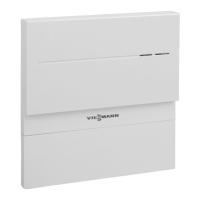
"VITOCONNECT-<xxxx>".
iOS operating system: Setting up the WiFi
1. Call up the WiFi settings on your smartphone.
2. Connect your smartphone to the WiFi
"VITOCONNECT-<xxxx>".
You will be asked to enter a password.
Note
The WPA2 password is automatically placed on
the clipboard.
3. Paste the WPA2 password from the clipboard.
Commissioning
Registering the user and setting up the heating… (cont.)
5785665
Commissioning



 To Next Page