17
1.
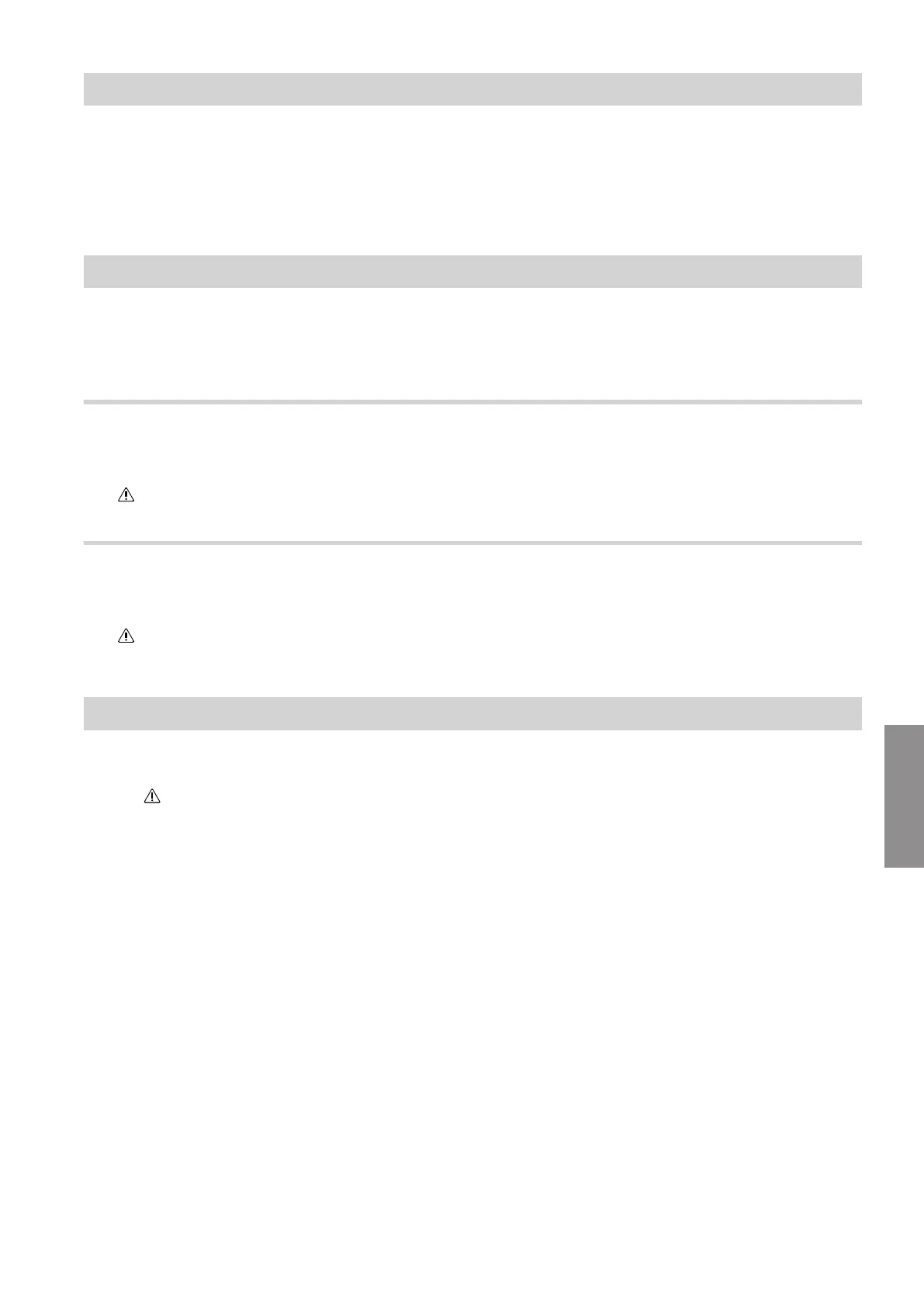
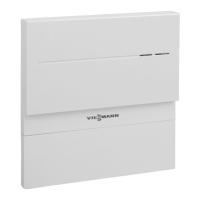
Press reset button
A
for at least 30 seconds: See
chapter "Display and controls".
All 3 LEDs flash yellow.
2.
Press reset button
A
again and hold for at least
5 seconds.
All 3 LEDs illuminate yellow.
The factory settings have been reinstated for the
Vitoconnect 100.
Maintenance mode
With this function, the transfer of messages from the
heating system to the Viessmann server is sup-
pressed, e.g. during maintenance work on the heating
system.
Activate service mode
Press reset button A
and hold for at least 2 seconds:
See chapter "Display and controls".
LED
flashes yellow.
Maintenance mode is enabled.
Note
Maintenance mode is not terminated automatically and
must be deactivated.
Deactivating maintenance mode
Press reset button A
again and hold for at least
2 seconds: See chapter "Display and controls".
LED
is no longer illuminated.
Maintenance mode is deactivated.
Resetting the network settings
1.
Press reset button
A
and hold for at least 5 sec-
onds: See chapter "Display and controls".
LED pulsates yellow.
2. Connect your smartphone to the internal WiFi of
the Vitoconnect 100.
Note
Wireless SSID and WPA2 password: See the label
on the Vitoconnect.
3. Go to the internet browser on your smartphone and
open http://vitoconnect.gateway.
4. Follow the instructions on the website.
What to do if...
Restoring factory settings (cont.)
5785665
Diagnosis



 To Next Page