11
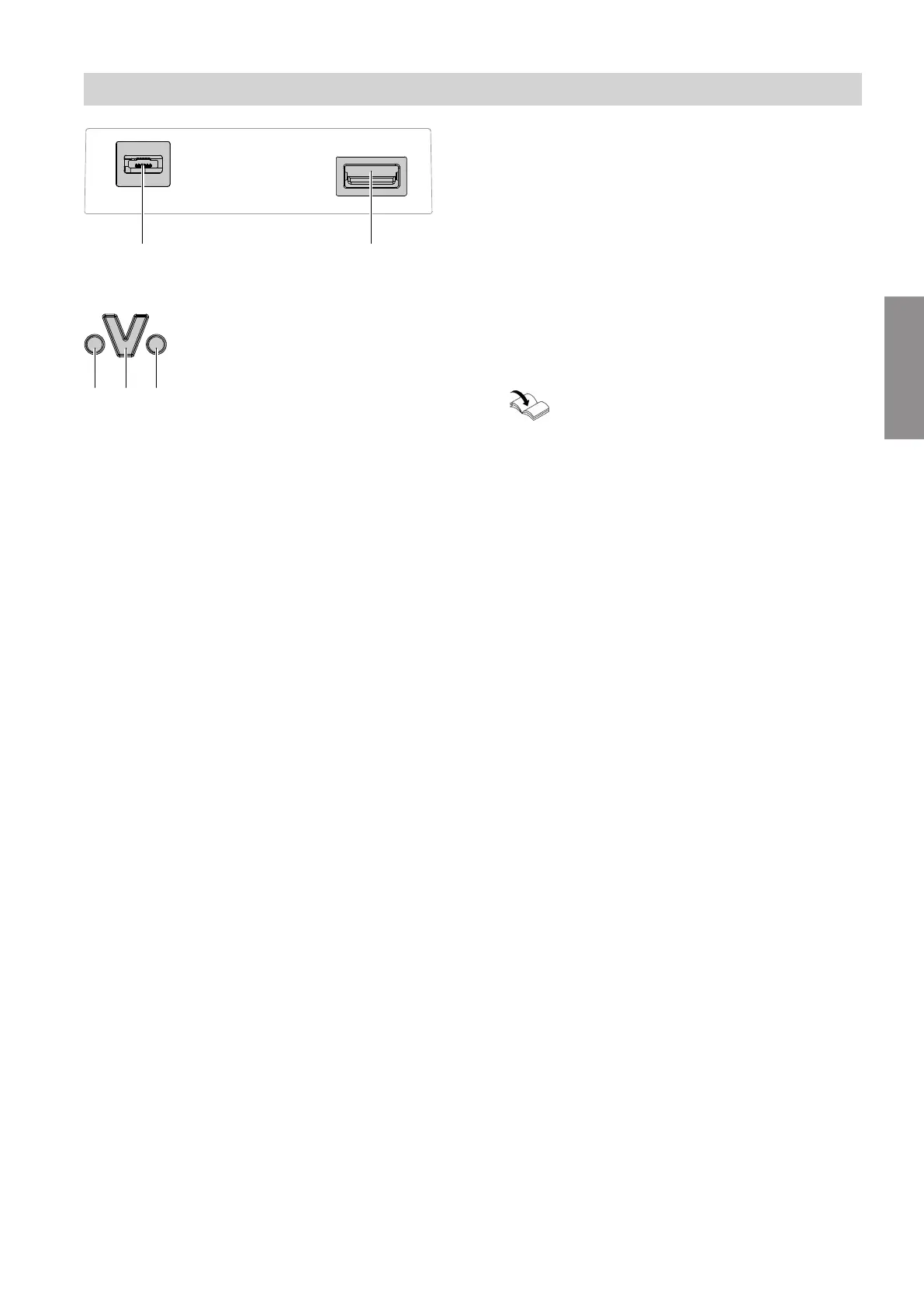
Fig. 3
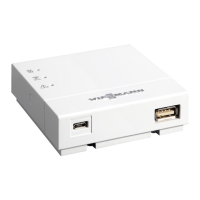
1. Insert the USB plug for the Optolink/USB cable into
Vitoconnect connection
B
.
Fig. 4
C
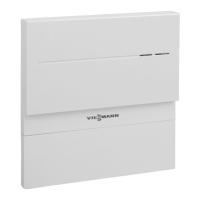
Fault indicator
D
Optolink interface
E
Operating display
2. Insert the Optolink plug of the Optolink/USB cable
into Optolink interface
D
on the control unit of the
heat generator.
Connection at heat generator
Operating instructions for the heat generator
3. Insert the micro USB of the plug-in power supply
unit into connection
A
of the Vitoconnect.
4. Plug the plug-in power supply unit for the Vitocon-
nect into the socket.
Installation sequence
Vitoconnect power supply
5785665
Installation




 To Next Page