Weitere Einstellungen
8
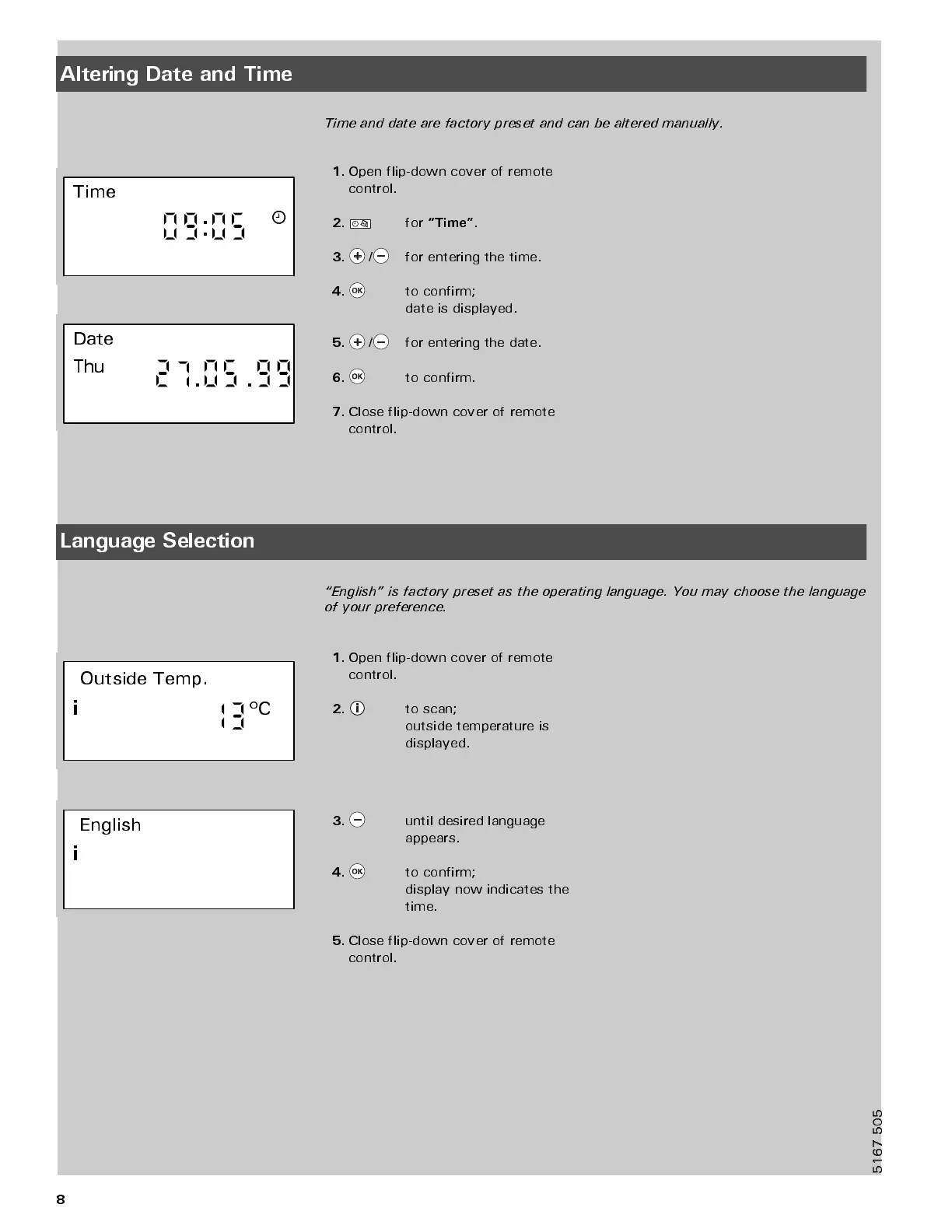
Altering Date and Time
Time and date are factory preset and can be altered manually.
Time
Date
Thu
1.
Open flip-down cover of remote
control.
2.
for
“Time”
.
3.
/
for entering the time.
4.
to confirm;
date is displayed.
5.
/
for entering the date.
6.
to confirm.
7.
Close flip-down cover of remote
control.
Language Selection
“English” is factory preset as the operating language. You may choose the language
of your preference.
Outside Temp.
i
º
C
English
i
1.
Open flip-down cover of remote
control.
2.
to scan;
outside temperature is
displayed.
3.
until desired language
appears.
4.
to confirm;
display now indicates the
time.
5.
Close flip-down cover of remote
control.
5
1
6
7
5
0
5



 To Next Page